
Event guides
When the expert has no answer
At a company event, the interesting surprise can be who is surprised. Picture the colleague everyone turns to for an explanation suddenly looking at someone else.
2 min read
Practical notes for technology exhibitors, corporate organizers, and private hosts: define the next move, create shared attention, and protect the people taking part.
Notes by Yonatan Lavy on turning a real room, a clear invitation, and a well-placed reveal into an event moment people remember.
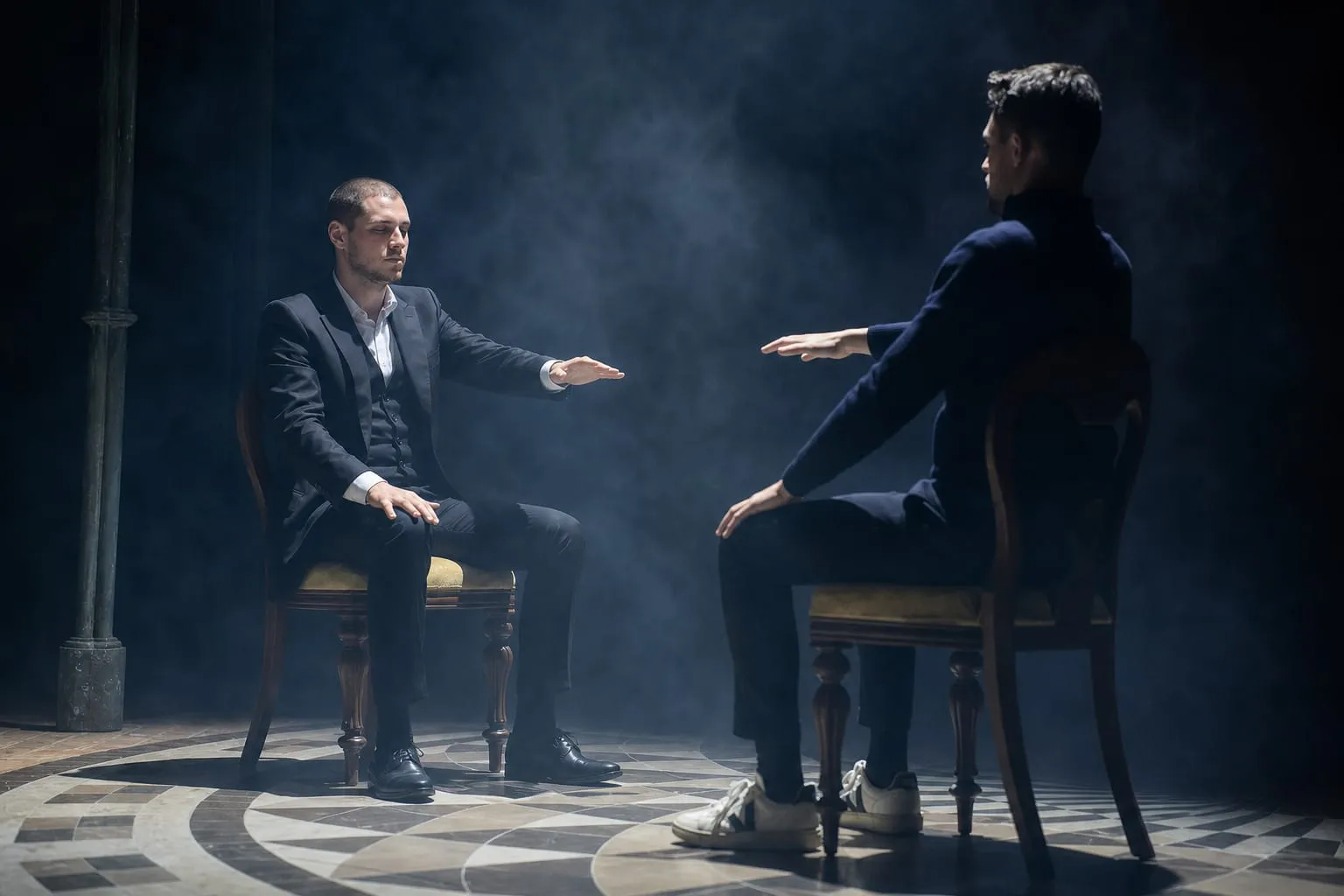
Attention and influence
Flashes of emotion across the face can help show when someone is lying to you. See what to catch before the expression disappears.
The decisions that help a corporate organizer or private host choose the right format for a real room.
Event guides
At a company event, the interesting surprise can be who is surprised. Picture the colleague everyone turns to for an explanation suddenly looking at someone else.
2 min read

Event guides
At a Purim party, you might miss the beginning of a mind-reading moment. Then someone beside you stops talking, looks across the group, and you look too.
2 min read

Event guides
At a bar or bat mitzvah, being the centre of attention is one thing. Being the person who discovers what a friend imagined is quite another.
3 min read

Event guides
At a private celebration, an ordinary picture can carry an extraordinary amount of meaning. Start with this imagined family’s holiday house. What would make it recognisable to them?
3 min read

Event guides
Picture two wedding guests who have never met: an old school friend and someone from work. A close-up encounter gives them something to share before the usual introductions.
2 min read

Event guides
A surprise before a marriage proposal has a delicate ending. The performer has brought something unexpected to the table. Now the attention needs to return to two people.
2 min read

Event guides
At a conference booth, a small crowd is easy to notice. The more revealing moment comes just afterward: does anyone have a reason to start the next conversation?
3 min read
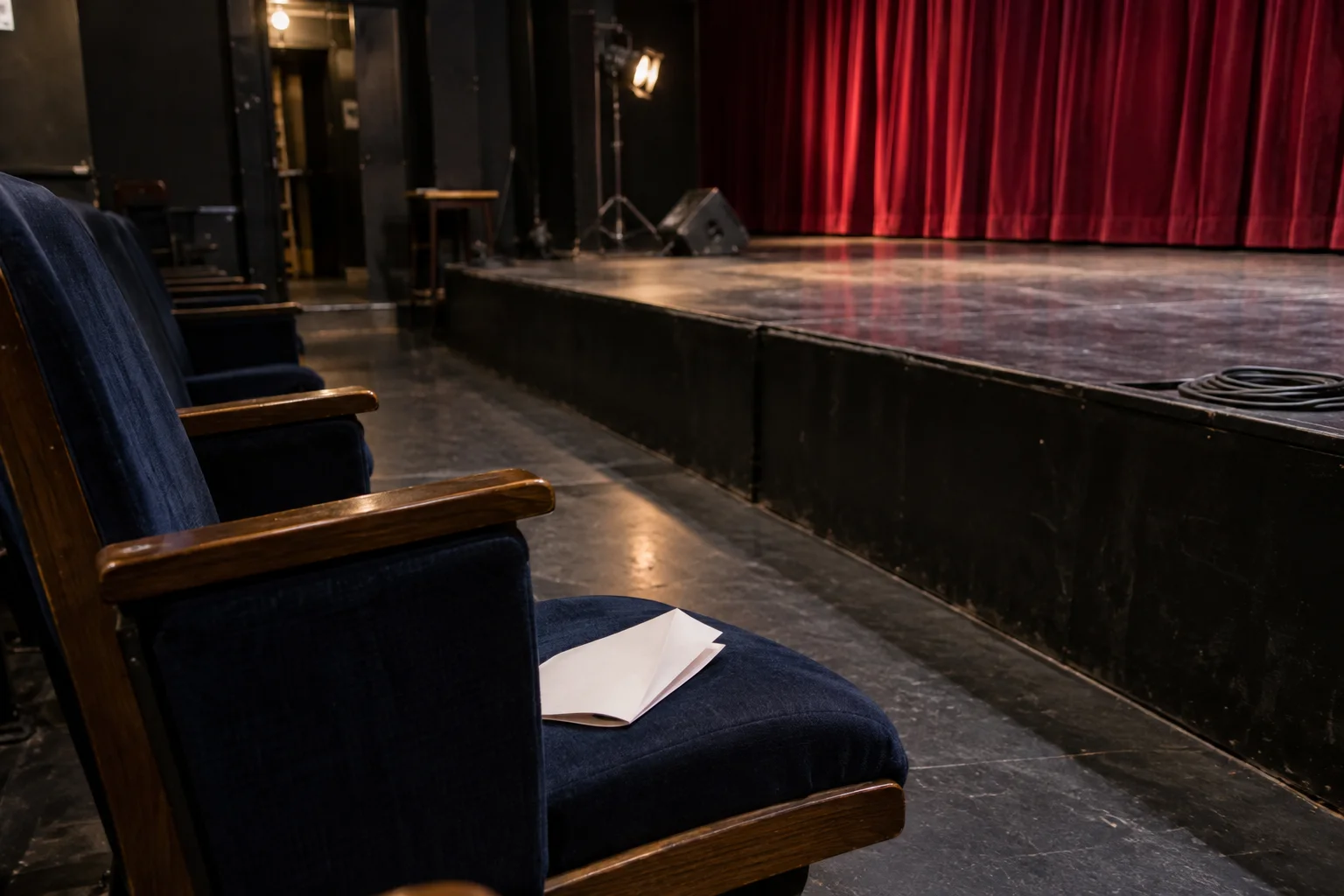
Event guides
Why does one detail stay with you after a theatre show? Try this tiny fictional story. There is only one thing to remember: an empty chair.
3 min read
Research-aware notes on attention, influence, and the cues that help your guests focus together.

Attention and influence
Folded arms. A glance to the side. Before you decide what either means, look at the part of the conversation the camera has left out.
3 min read

Attention and influence
Two cards ask hotel guests to reuse a towel. The practical request stays the same. Read what changes, then guess which message more guests followed.
3 min read
How timing and structure help a deliberate experience belong to your occasion.
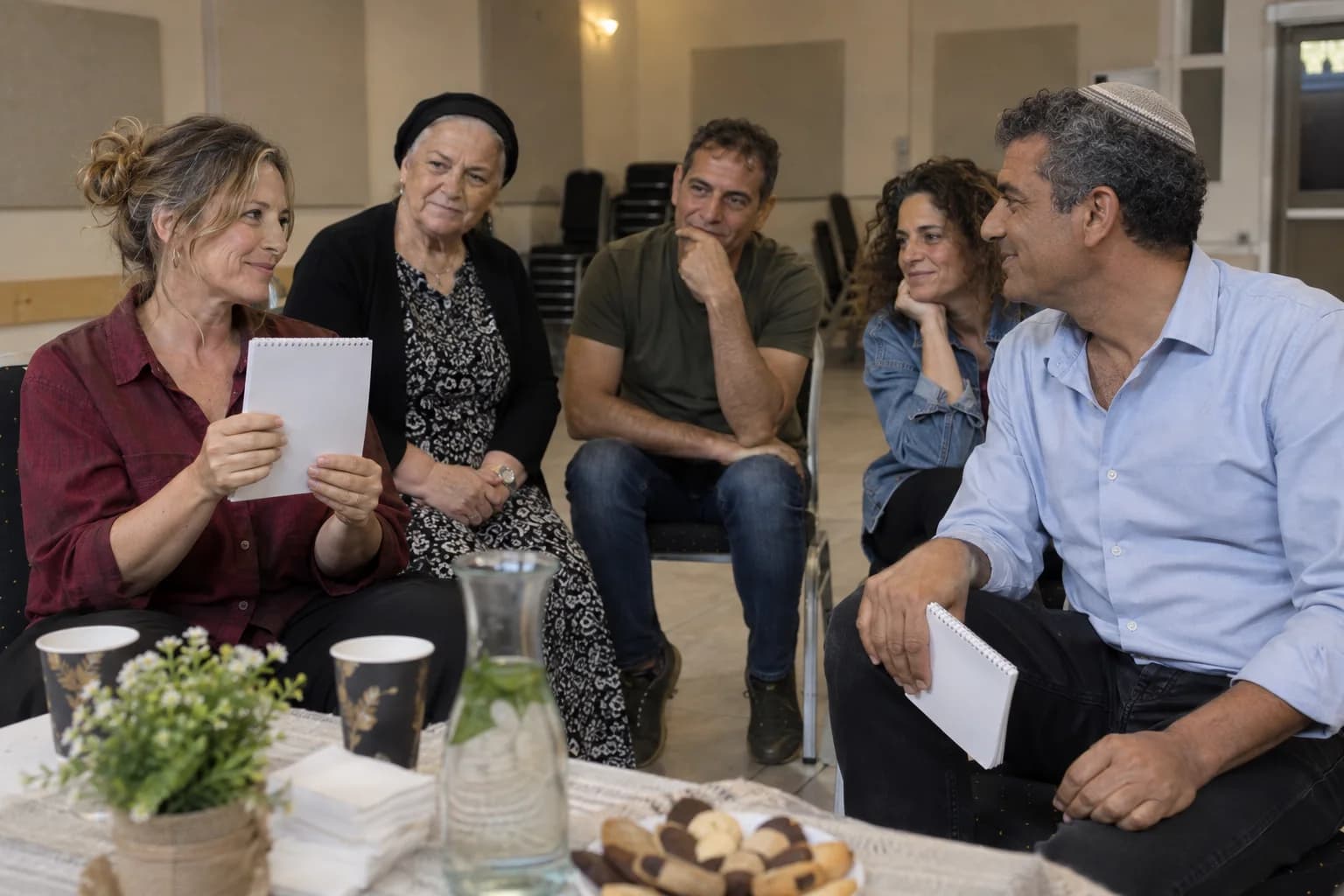
Plan with confidence
A drawing appears. The guest recognises it. Their friend sees that recognition. In an event programme, those are three different moments, even when they happen close together.
3 min read
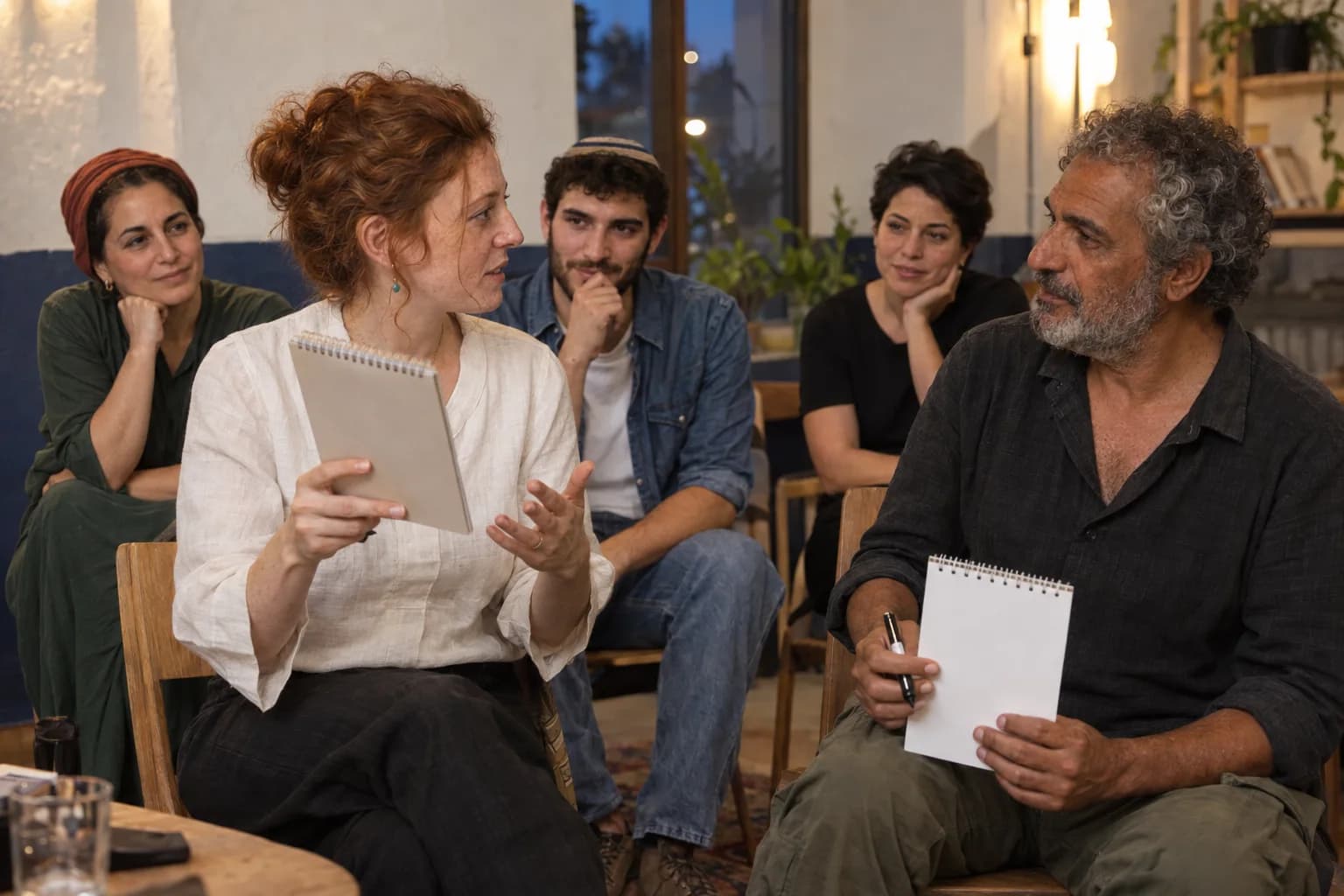
Plan with confidence
A spectacular result tells you only part of what a mentalist does. The invitation before it, and the way the guest is treated afterward, tell you something else.
3 min read

Plan with confidence
A matching drawing can be recognised across languages. Understanding what was asked before it appeared is another matter. An international audience needs both parts of the moment.
3 min read
Plan with confidence
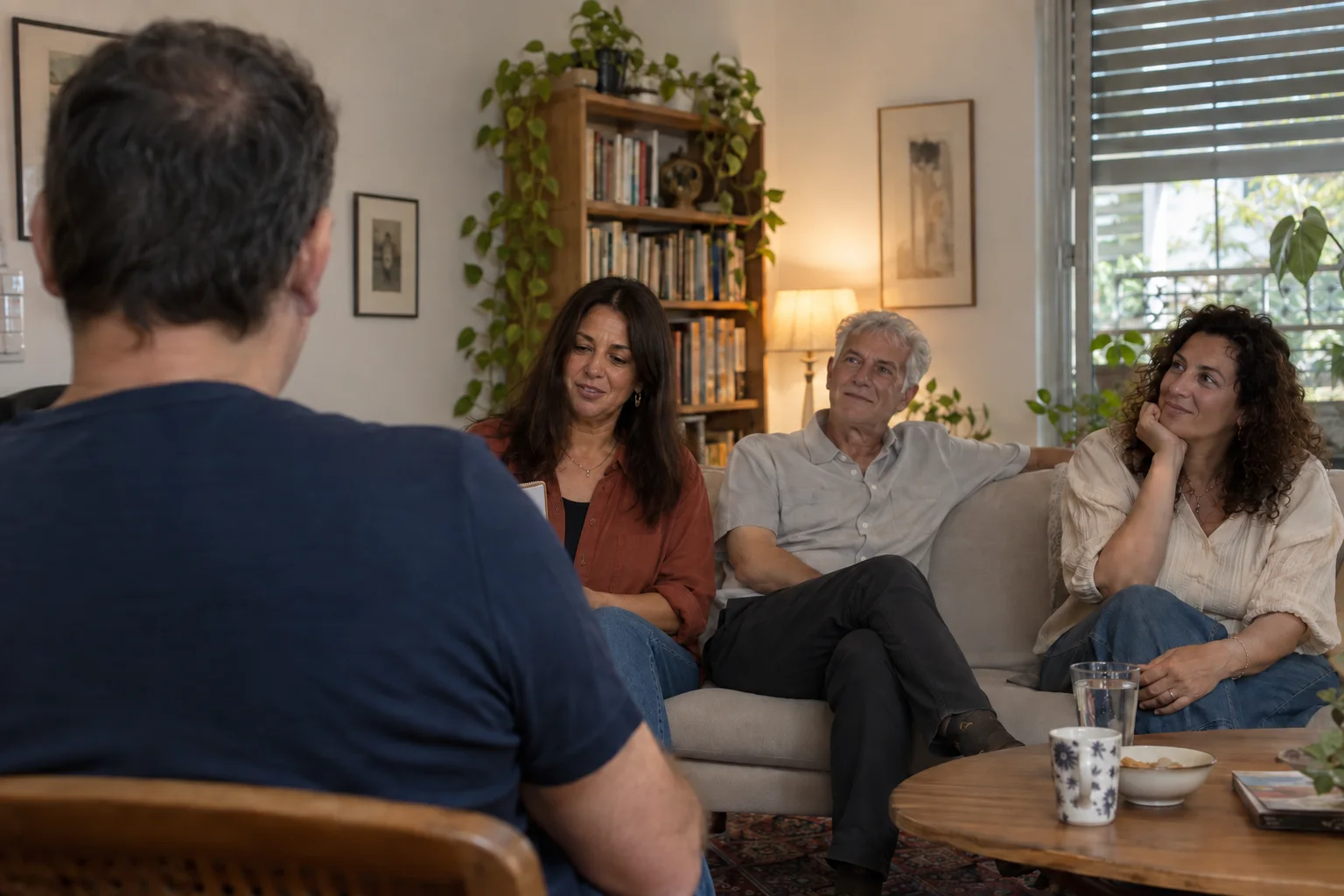
A living room can seem perfectly suited to a show until you sit behind someone. Look from one guest’s position, then see what a small move changes.
3 min read
Share the date, people, space, and running order. Those details help shape the right format so the experience belongs to your event rather than sitting on top of it.
Plan Connection for your event