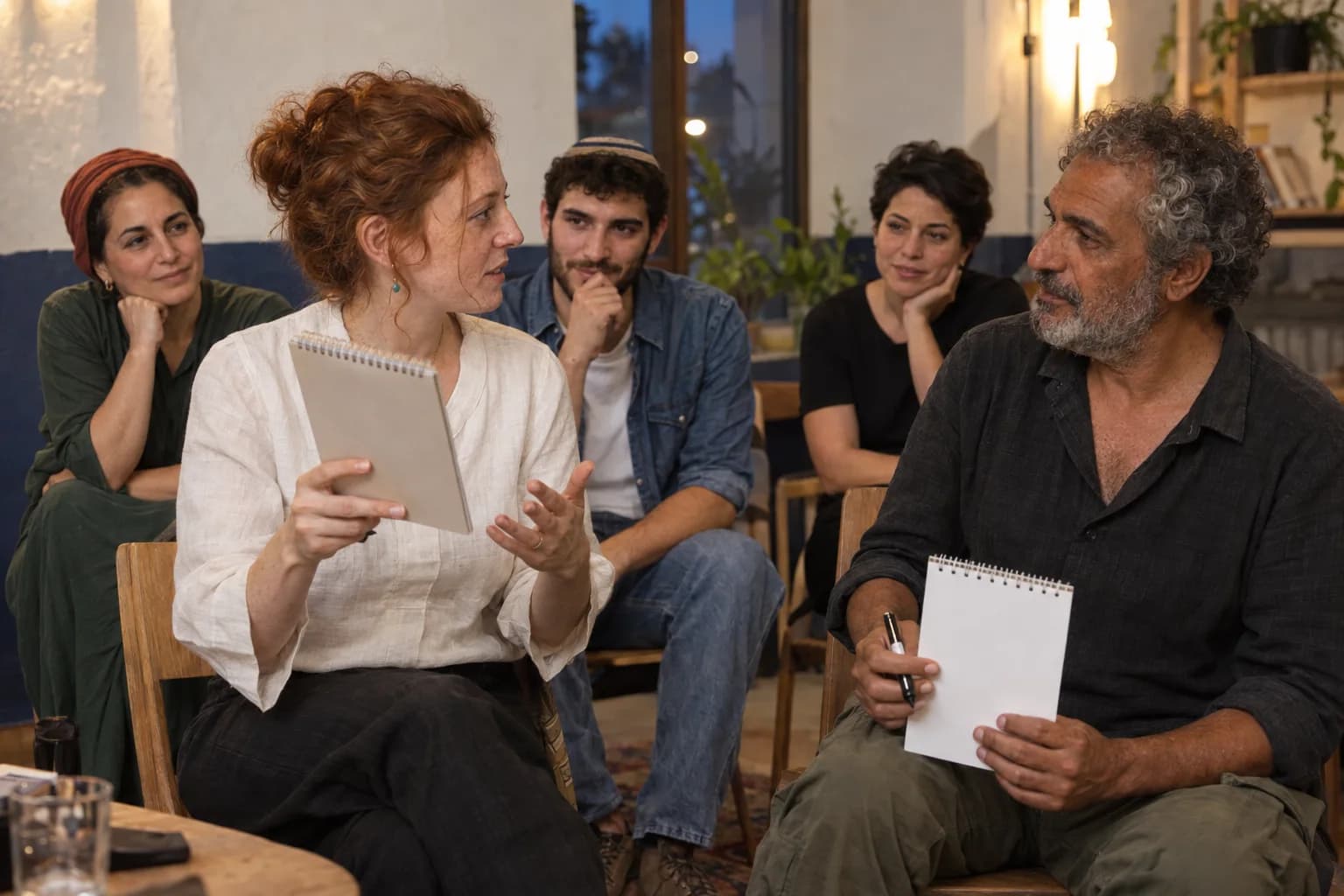
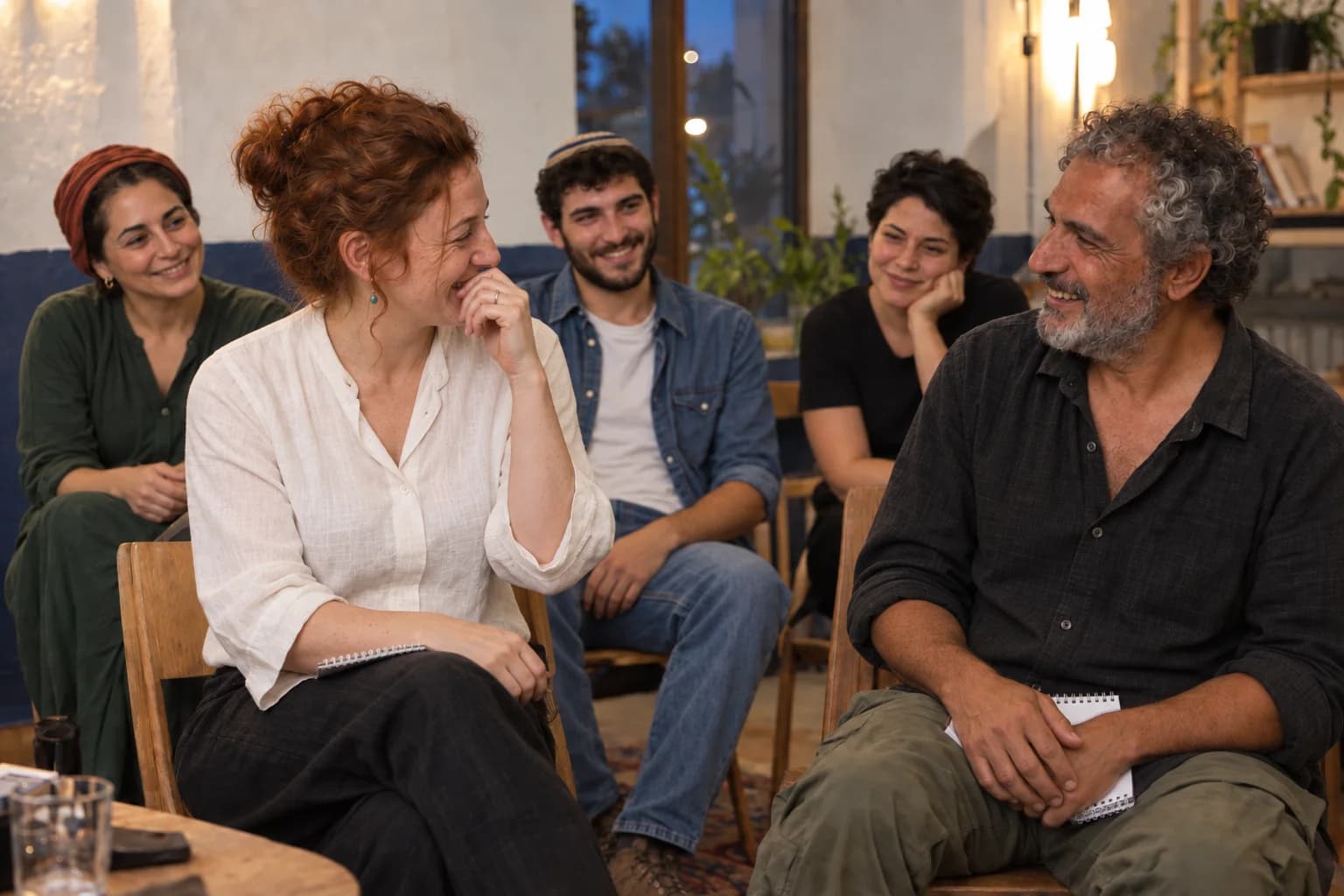
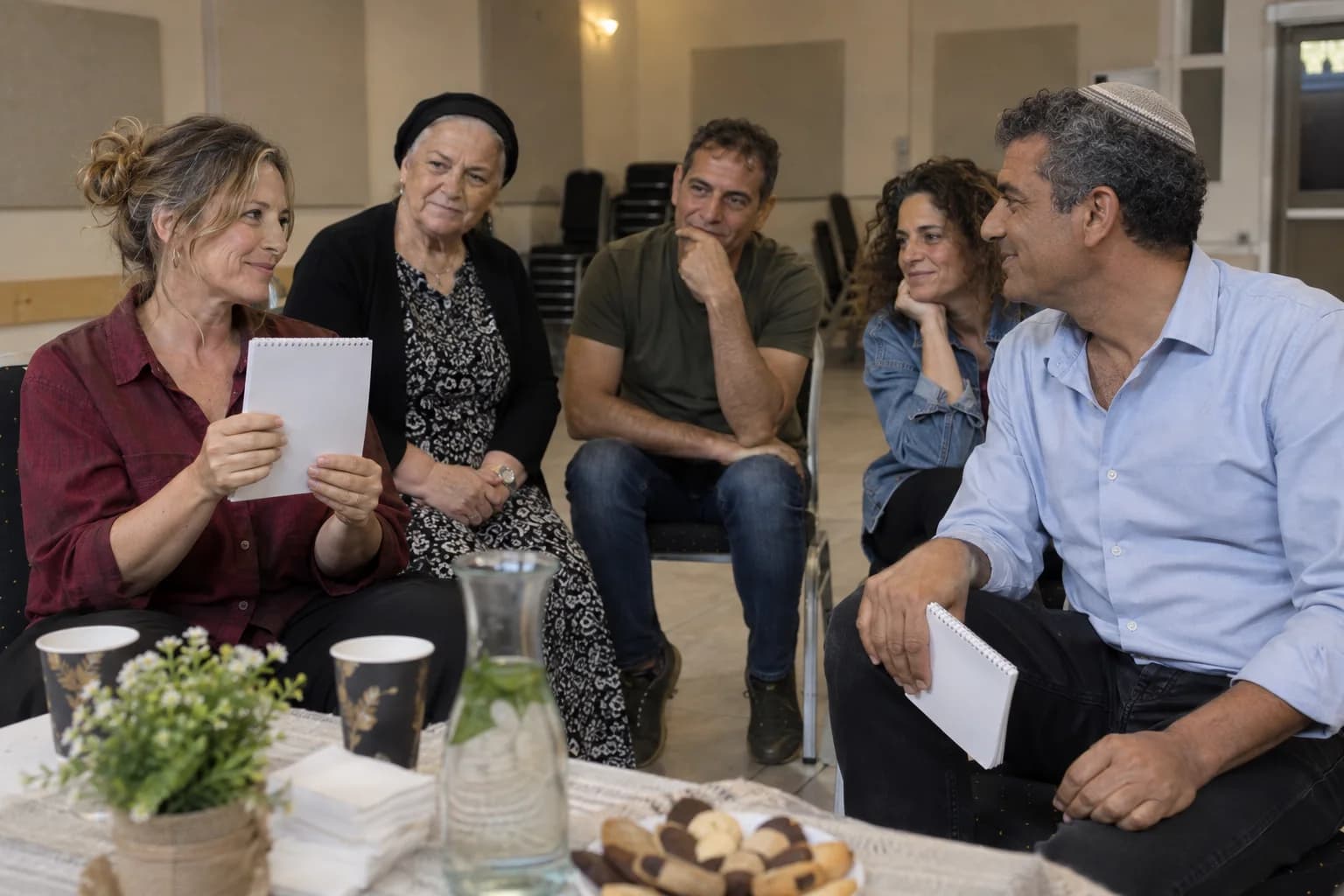
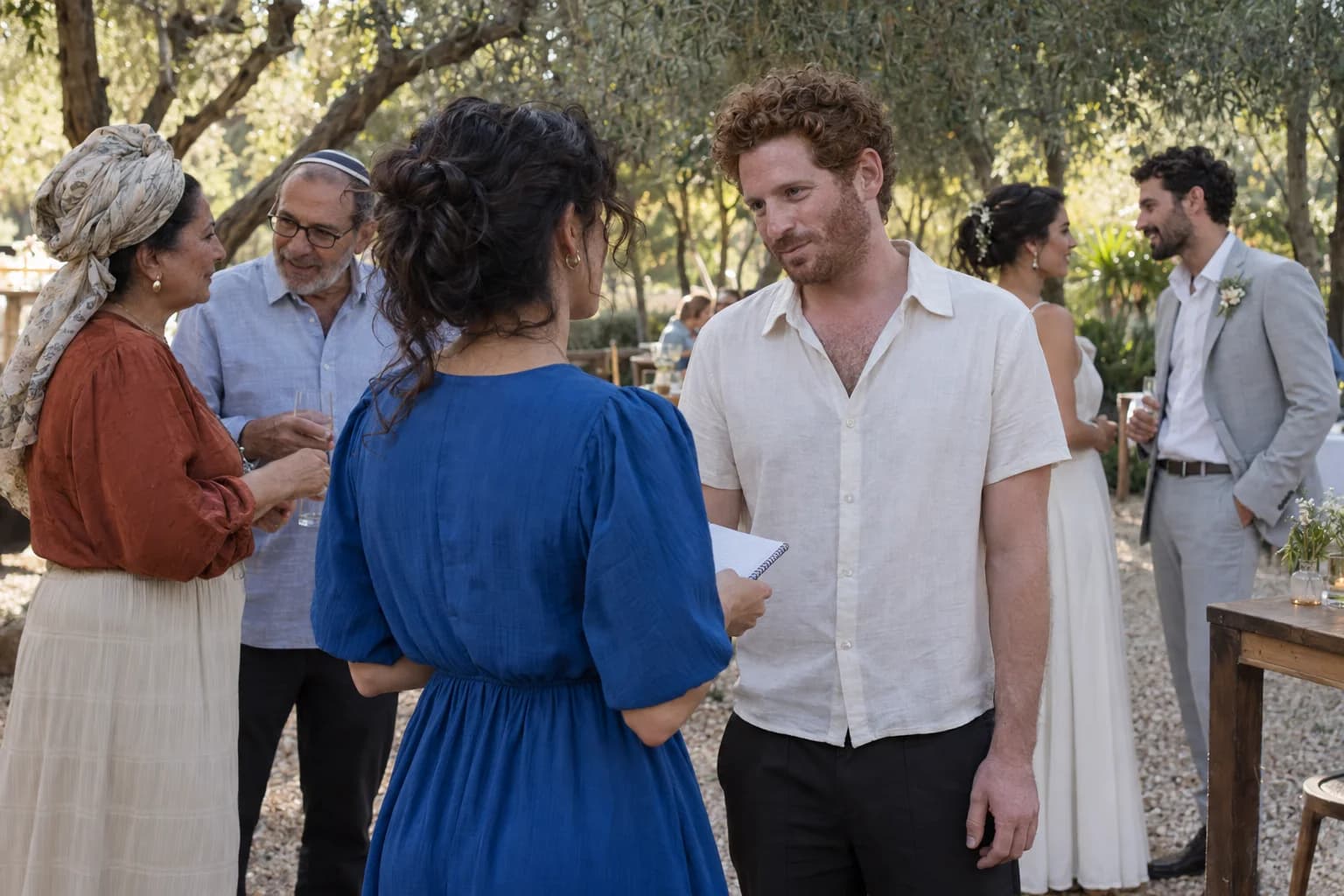
A generated staged venue check with three fictional adults: two stand-ins in the focal area and a technician at the sound setup, plus an open aisle and a review folder

Choose a Mentalist From the Worst Guest Seat

The better recommendation changes when the least convenient seat loses its view or the slot loses fifteen minutes. Generic adjectives survive every constraint because they were never attached to the event.

Four lenses

Put every promise between the seat and the stage

See, verify, choose and move: four lenses turn broad claims into questions the room can answer.

  1. See the guest action

    Ask what guests see, choose and carry forward—not whether the experience is simply interactive.

  2. Verify one promise

    A photo shows a room. A clip shows a moment. A testimonial shows one perspective.

  3. Choose without becoming the joke

    Confirm how guests join, watch, change course or leave a role without breaking the chapter.

  4. Move through the real room

    Test sound, sightlines, access, service, language and the final handback from the least convenient seat.

Choose from the guest's seat

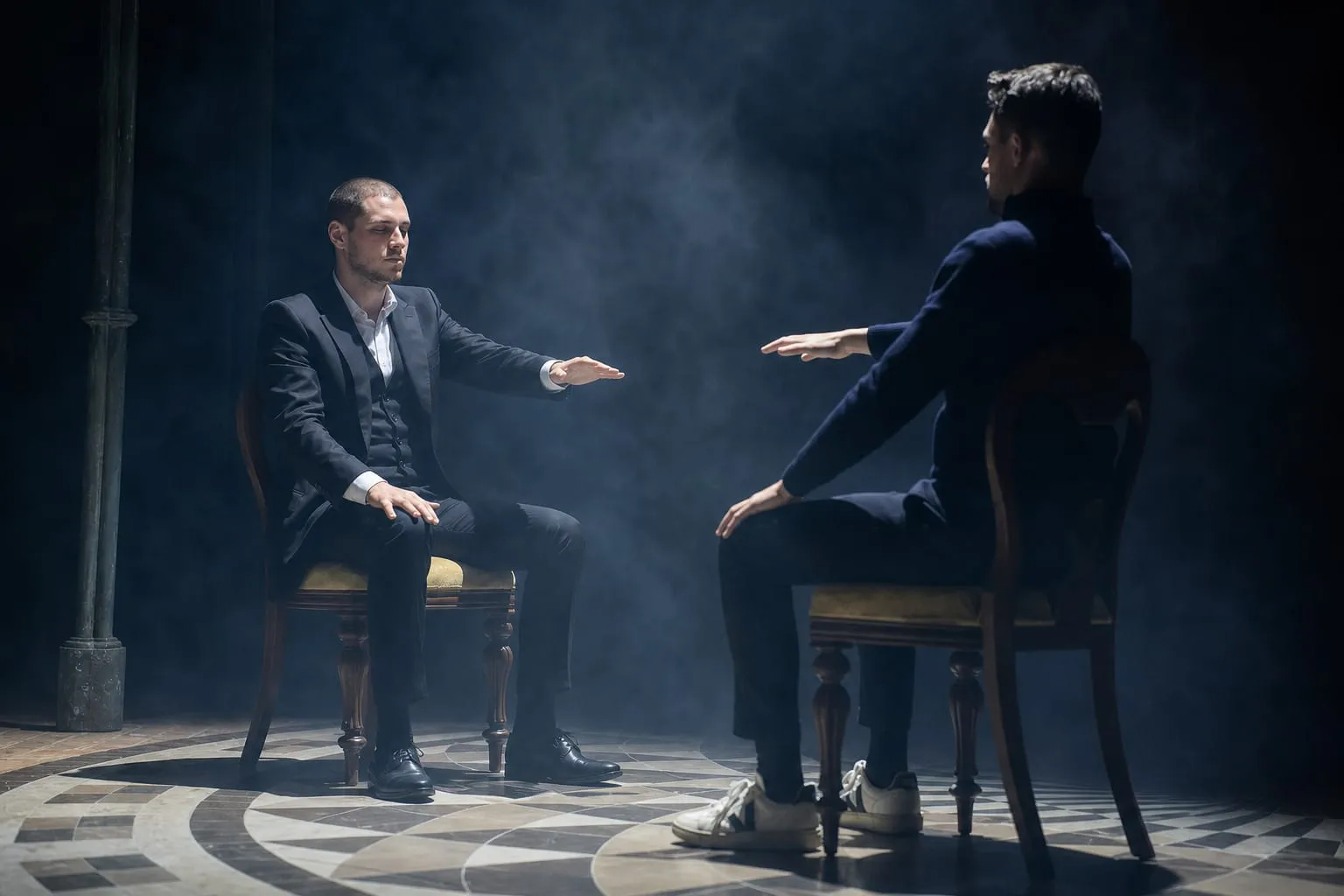
Two people face each other with clear space between them and both faces and hands visible; that tells you more than the word interactive.

If my recommendation does not change when the room, audience or running order changes, it is not specific enough yet.

Change two constraints and watch the recommendation move

Agency and Technical fit move the comparison into delivery. Confirm how guests join, watch, or change their mind, then test seating, language, access, sound, light, service, schedule, and handoffs. A recommendation should change when these facts change.

Check the technical path

The image shows equipment placement, not whether sound reaches this seat. Test that from the chair, with faces, hands and the participation route unobstructed.

Questions to adapt

When the venue or running order is unsettled, ask which minimum technical conditions and fallback formats keep the recommendation coherent.

Every proof item gets one honest job

A photograph can show room context. A clip can show one sequence. A testimonial can report one experience. A credential can verify one training or membership.

None proves adaptation under pressure. Ask what changed when the room, duration or participant route changed; a specific answer is more useful than a larger proof shelf.

Bring the event, not a list of adjectives

Bring the room plan, three-beat schedule slice, audience, languages, access needs and desired handback. If the recommendation does not change when those facts change, it is not specific yet.

Discuss the event fit

Accessibility

Adjust the site’s text, colors, motion, and reading aids. Changes apply immediately.

Text adjustments

Font size

Scale all site text from its original size without reducing headings.

Line height

Add vertical space between lines of text.

Text spacing

Adds letter spacing in English. Hebrew uses word spacing so letter shapes remain intact.

Text alignment

Align eligible headings and prose without moving page layouts.

Color adjustments

Contrast

Choose a semantic high-contrast palette while keeping images and controls intact.

Saturation

Reduce or increase color intensity. This combines with contrast and grayscale.

Content highlighting

Navigation and reading

Keyboard navigationUse Tab and Shift+Tab to move, Enter or Space to activate, and Escape to close dialogs. Focus indicators stay visible.Always active
Cursor size

Enlarge the mouse or pen pointer across site content and controls.

Cursor size affects mouse and pen input only; touch screens do not display a cursor.