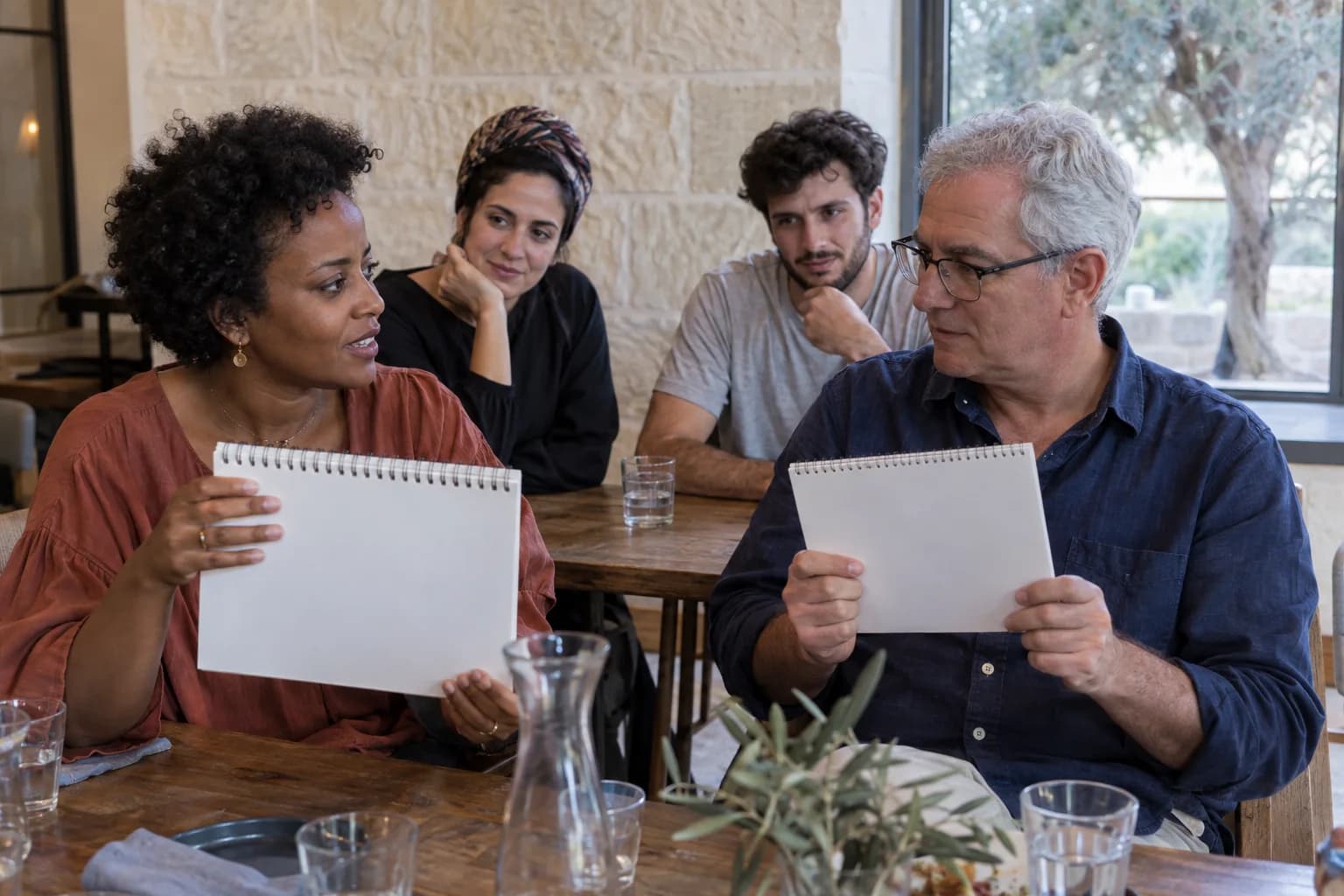
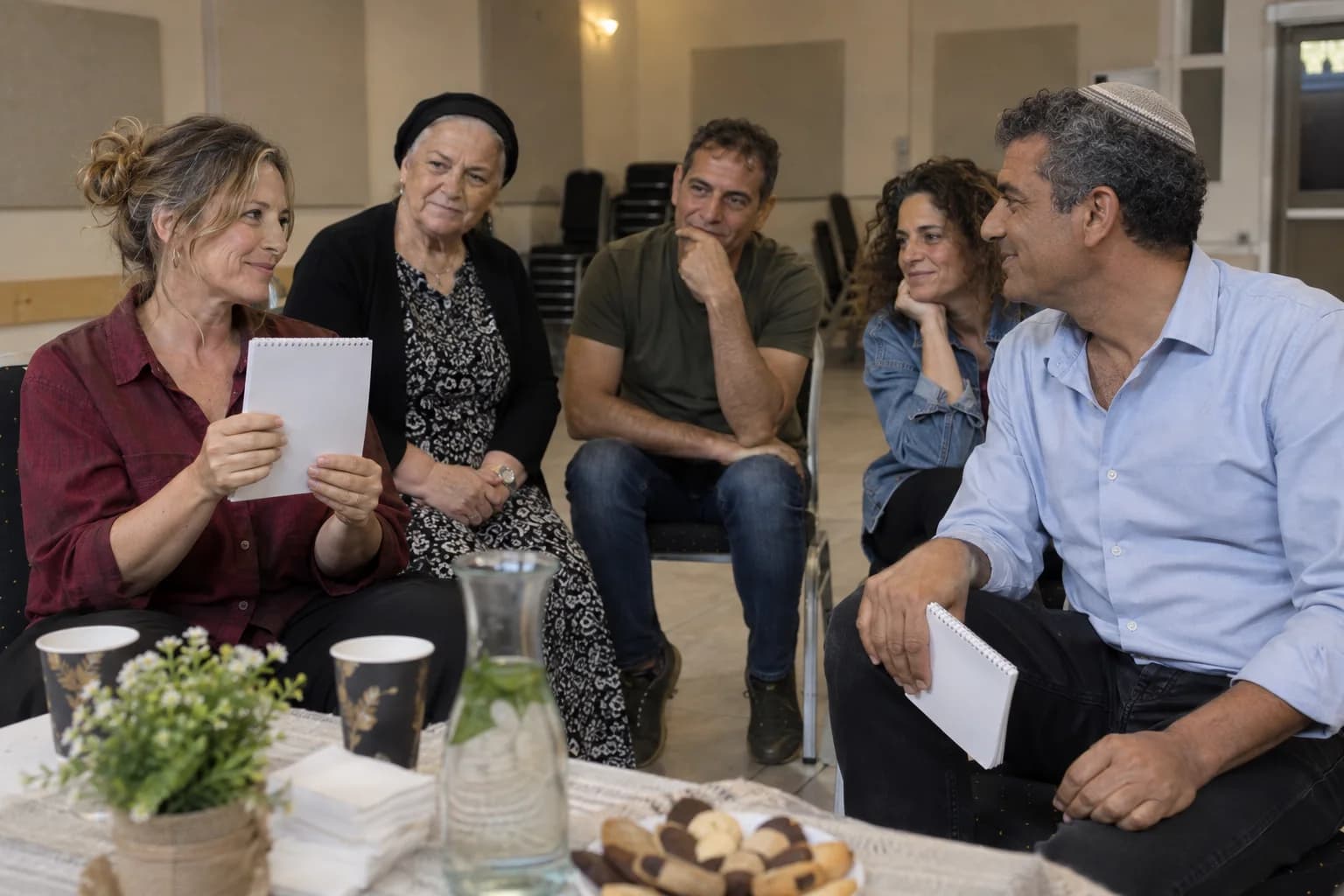
When the expert has no answer

At a company event, the interesting surprise can be who is surprised. Picture the colleague everyone turns to for an explanation suddenly looking at someone else.

Five fictional colleagues in a meeting, with a navy-shirted woman explaining a chart to a cream-shirted man

AI-created illustrations of a possible event moment

You already know this version of her

She is the person who can explain the numbers. When she explains a chart, the others lean in. In this imagined team, knowing the answer is part of her familiar role.

The same navy-shirted woman looks at a star held by her cream-shirted colleague while the other three colleagues watch
AI-created illustrations of a possible event moment

Now he has drawn what she only imagined

At the evening event, the colleague who was listening holds up the drawing. She recognises the shape she had in mind. The familiar expert has become the person asking, “How did you do that?”

Same colleagues. A different way of seeing them

The drawing is simple. The relationship makes the scene interesting. You know who usually explains things, who quietly listens, and whose raised eyebrow makes the table laugh.

A corporate audience brings that history into the room. Letting the apparent ability move between colleagues gives it somewhere unexpected to go. The moment belongs to people you will recognise at work tomorrow.

Yonatan Lavy

Who would surprise your team?

With Yonatan Lavy, your colleagues become the people discovering one another’s thoughts. Share who is coming and the kind of evening you have in mind.

Describe your company event

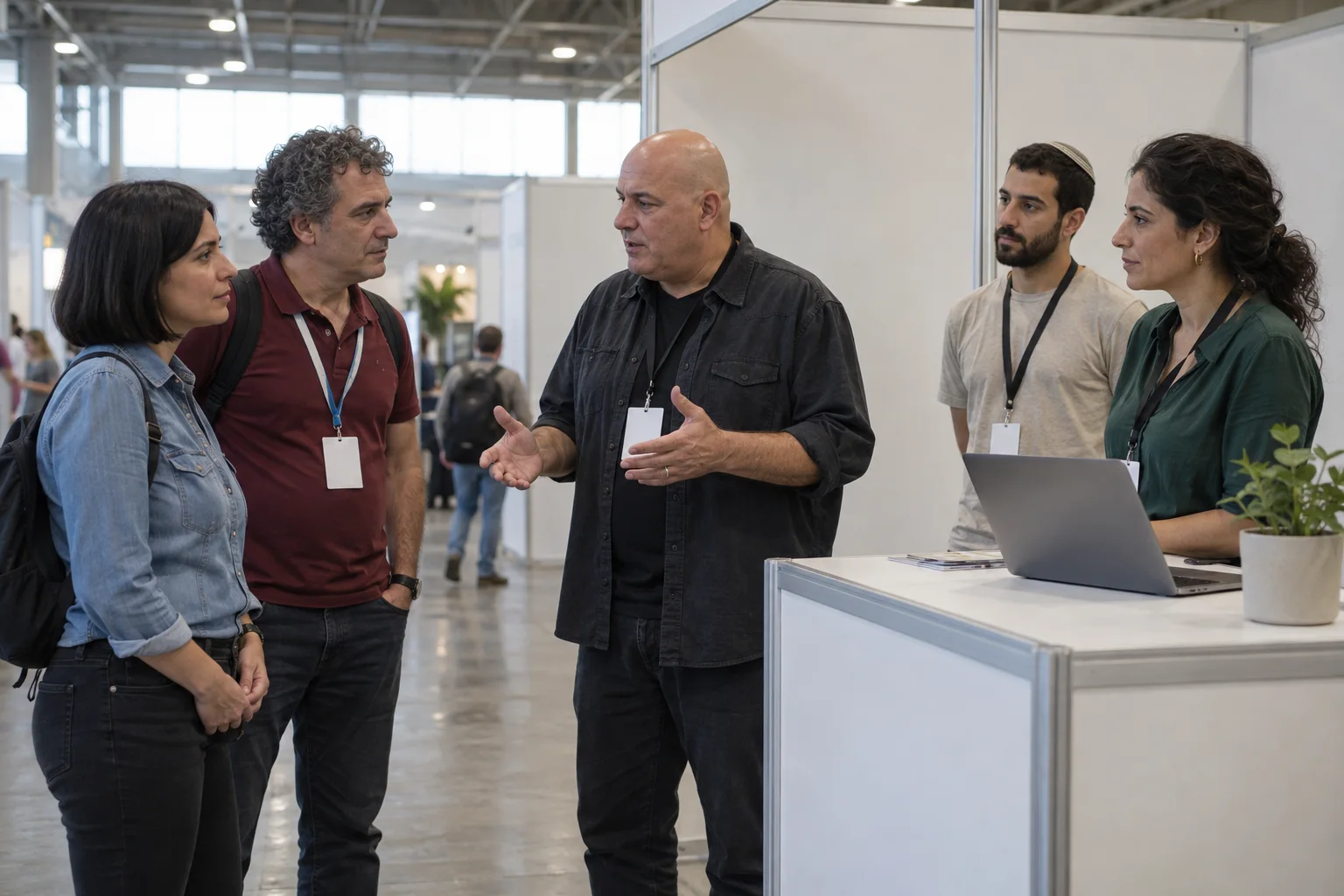
Yonatan Lavy seated across from a participant during a live interaction
Yonatan Lavy, live

Accessibility

Adjust the site’s text, colors, motion, and reading aids. Changes apply immediately.

Text adjustments

Font size

Scale all site text from its original size without reducing headings.

Line height

Add vertical space between lines of text.

Text spacing

Adds letter spacing in English. Hebrew uses word spacing so letter shapes remain intact.

Text alignment

Align eligible headings and prose without moving page layouts.

Color adjustments

Contrast

Choose a semantic high-contrast palette while keeping images and controls intact.

Saturation

Reduce or increase color intensity. This combines with contrast and grayscale.

Content highlighting

Navigation and reading

Keyboard navigationUse Tab and Shift+Tab to move, Enter or Space to activate, and Escape to close dialogs. Focus indicators stay visible.Always active
Cursor size

Enlarge the mouse or pen pointer across site content and controls.

Cursor size affects mouse and pen input only; touch screens do not display a cursor.