Know when to leave the moment

A surprise before a marriage proposal has a delicate ending. The performer has brought something unexpected to the table. Now the attention needs to return to two people.
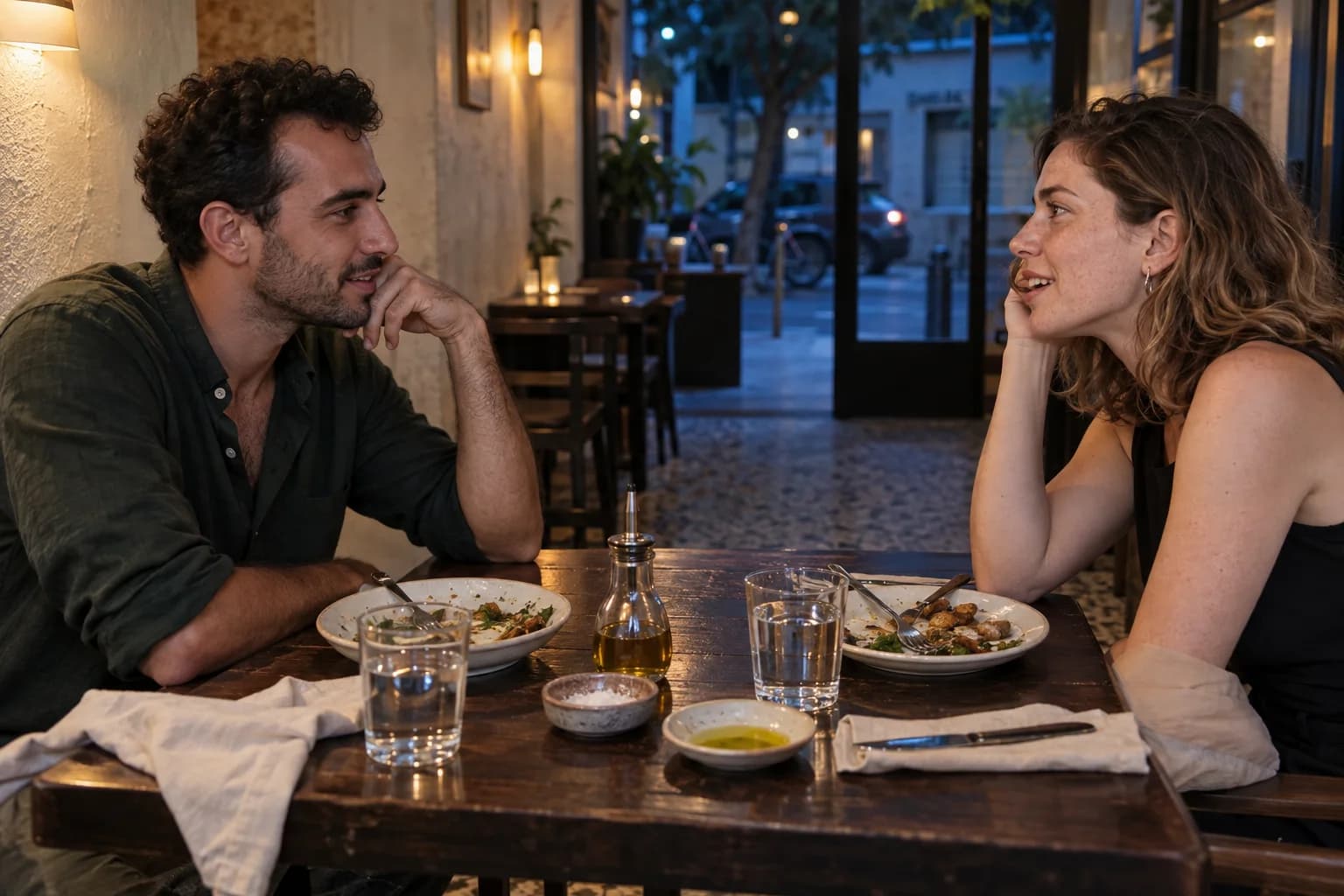
An illustrated couple sitting opposite one another at a restaurant table

AI-created storyboard of a possible restaurant proposal

First, just the two of you

The conversation crosses the table. Notice that line: one person looking at the other. It is where the evening begins, and where it needs to return.
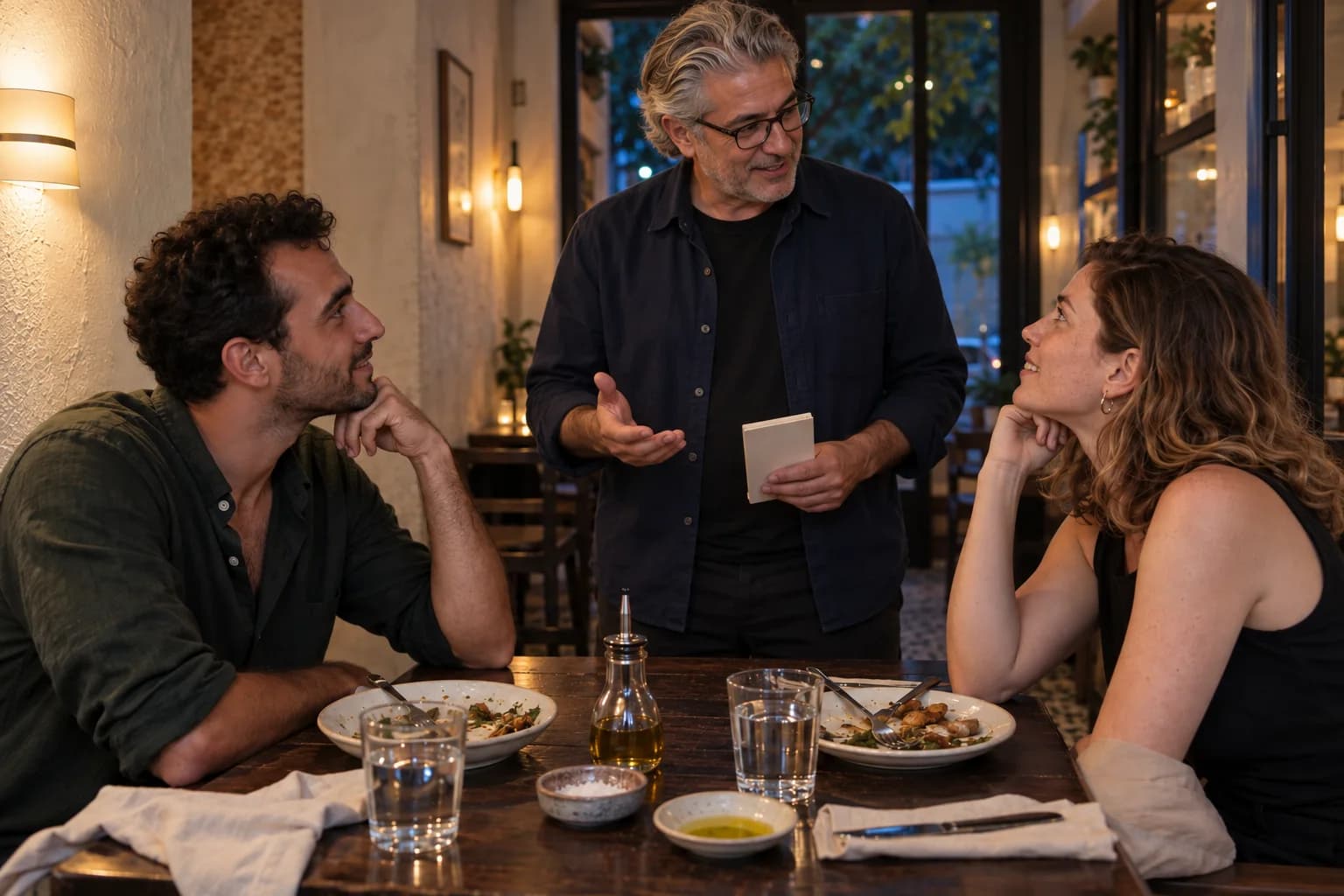
A fictional performer stands beside the same restaurant couple
AI-created storyboard of a possible restaurant proposal

Someone enters the conversation

The performer arrives beside the table. Both partners look outward. For a short time, the surprise becomes the thing they are following together.
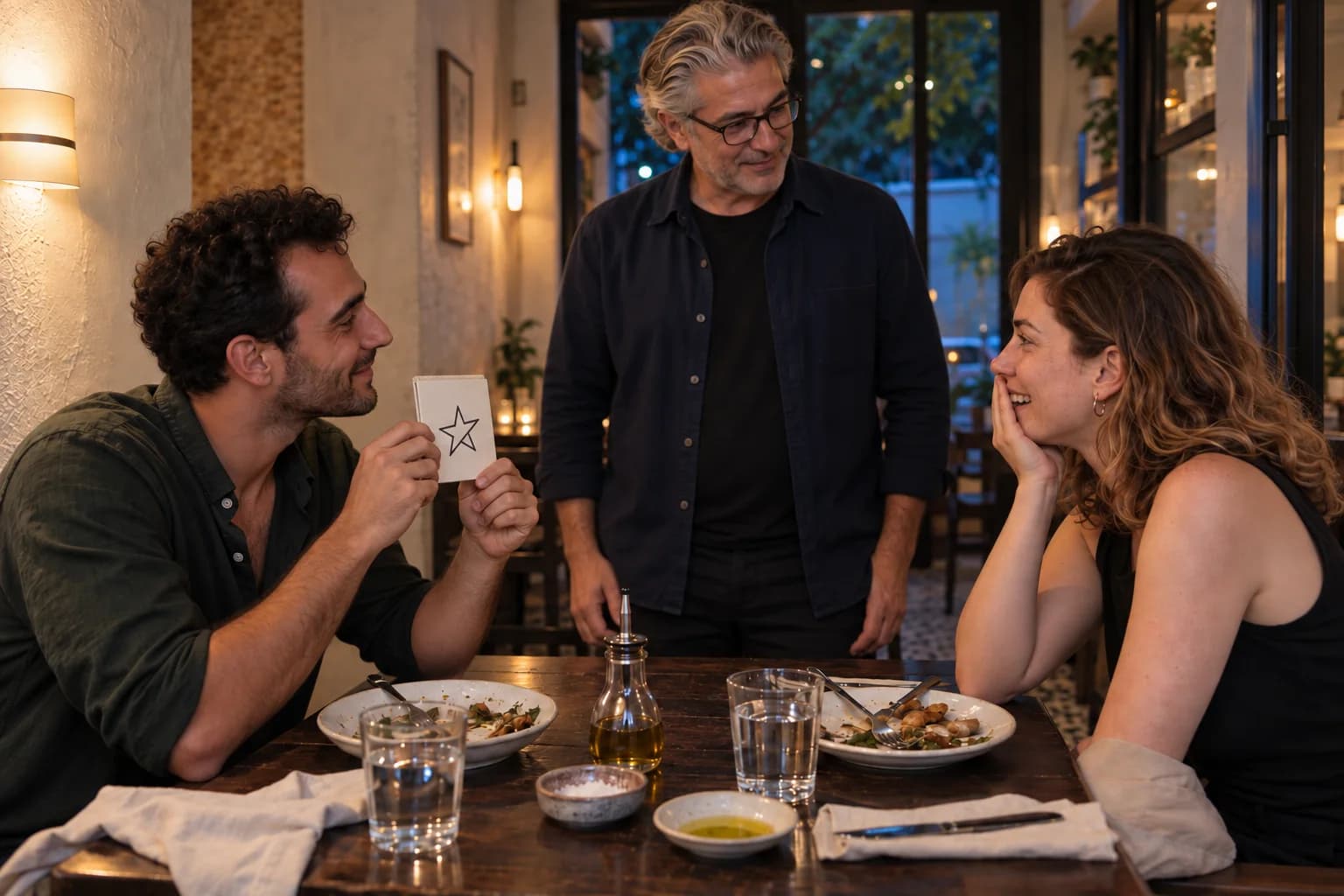
The man holds a star drawing toward his partner as the fictional performer stands beside their restaurant table
AI-created storyboard of a possible restaurant proposal

The surprise has its turn

Something unexpected happens between them. Let that moment be complete. A reveal does not need to rush straight into the next sentence.
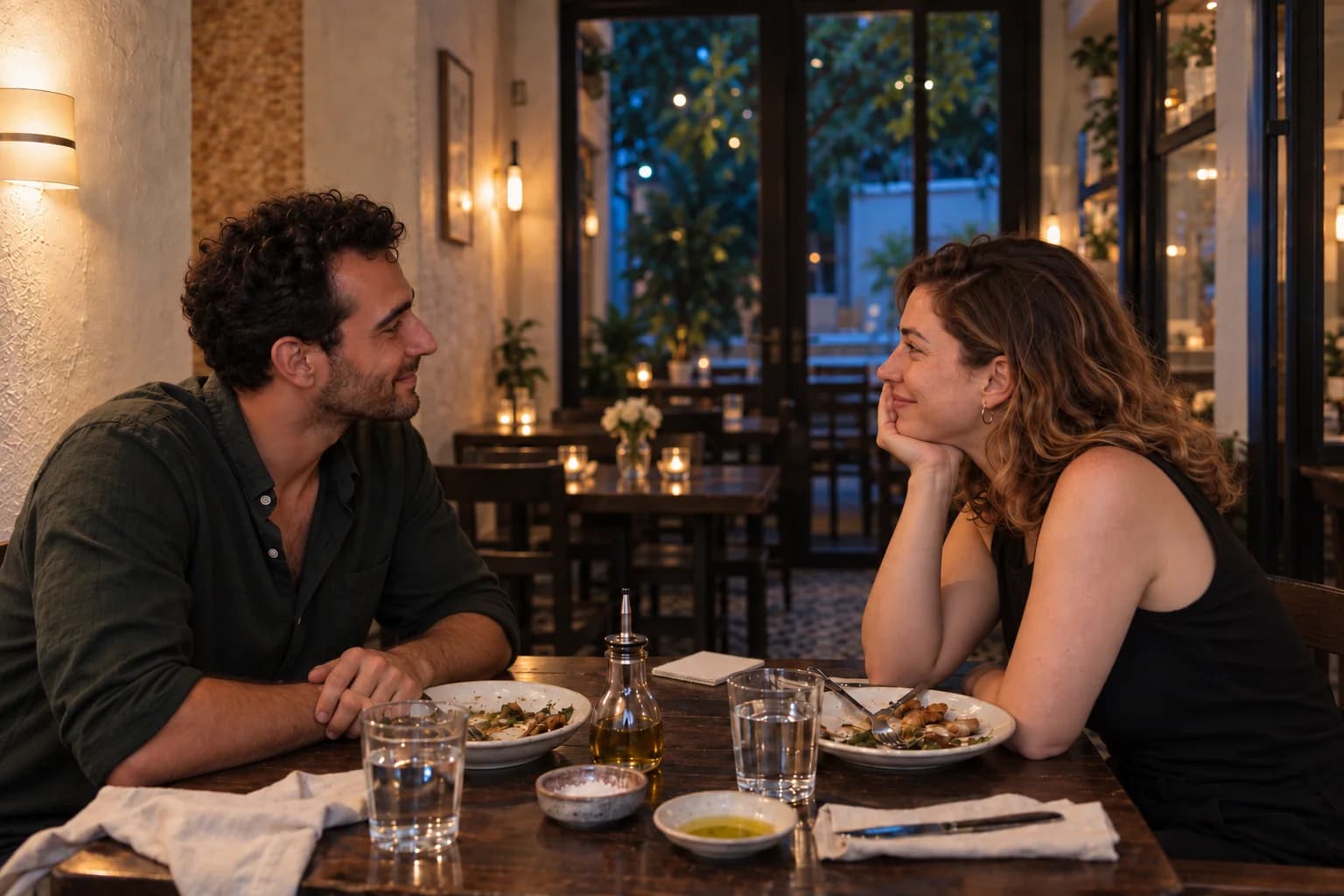
The same couple faces one another again, with the performer absent from the scene
AI-created storyboard of a possible restaurant proposal

Then the performer steps away

The line across the table is there again. The question can now come from the person asking it, in their own words.

That withdrawal is part of the composition. Attention has moved from the couple, to the encounter, and back to the couple. The surprise sets the scene; the question and the answer belong to them.

Yonatan Lavy

Plan the surprise before the question

Discuss the setting and timing for a discreet encounter with Yonatan Lavy, leaving room for the moment that is yours.

Discuss your proposal plans
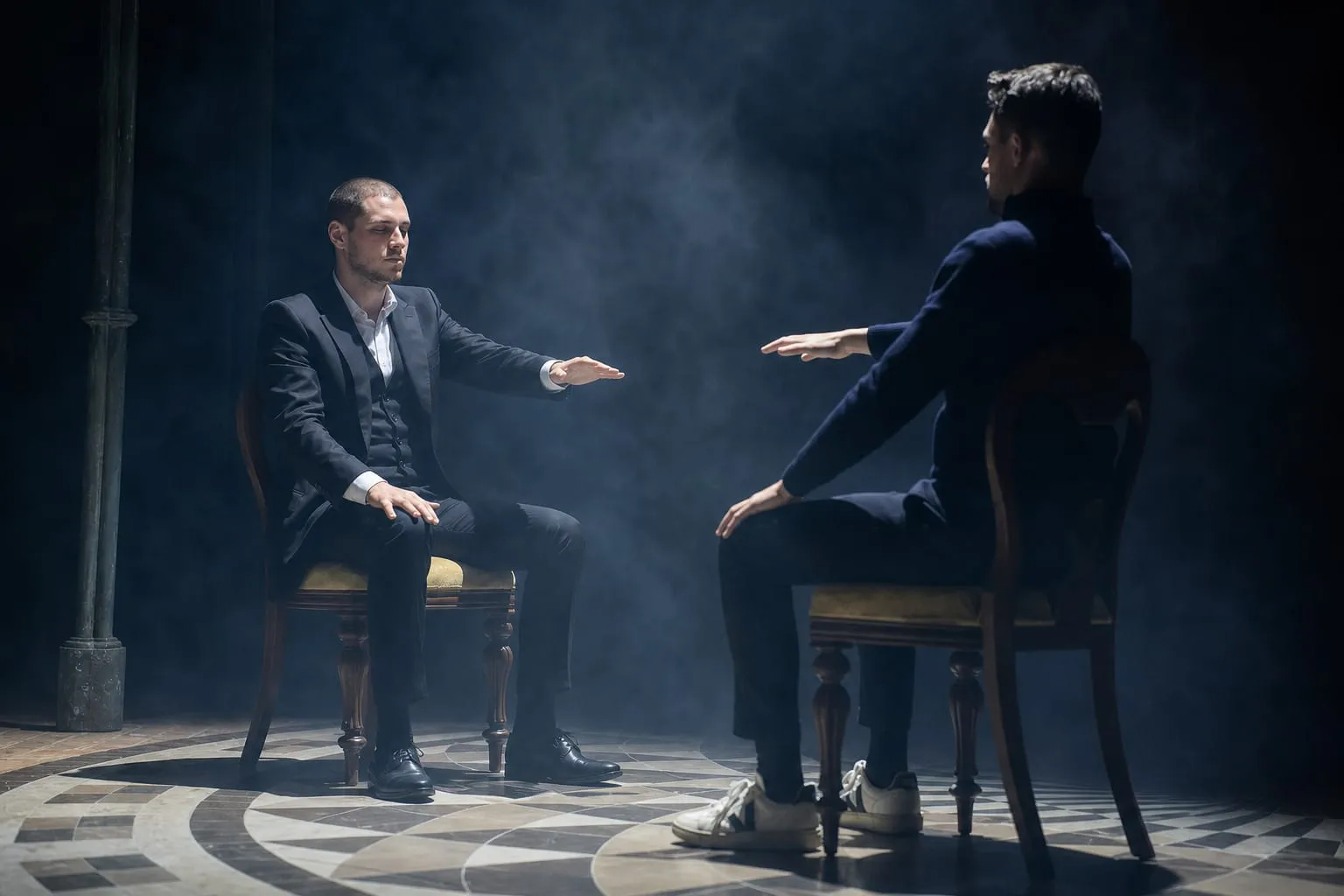
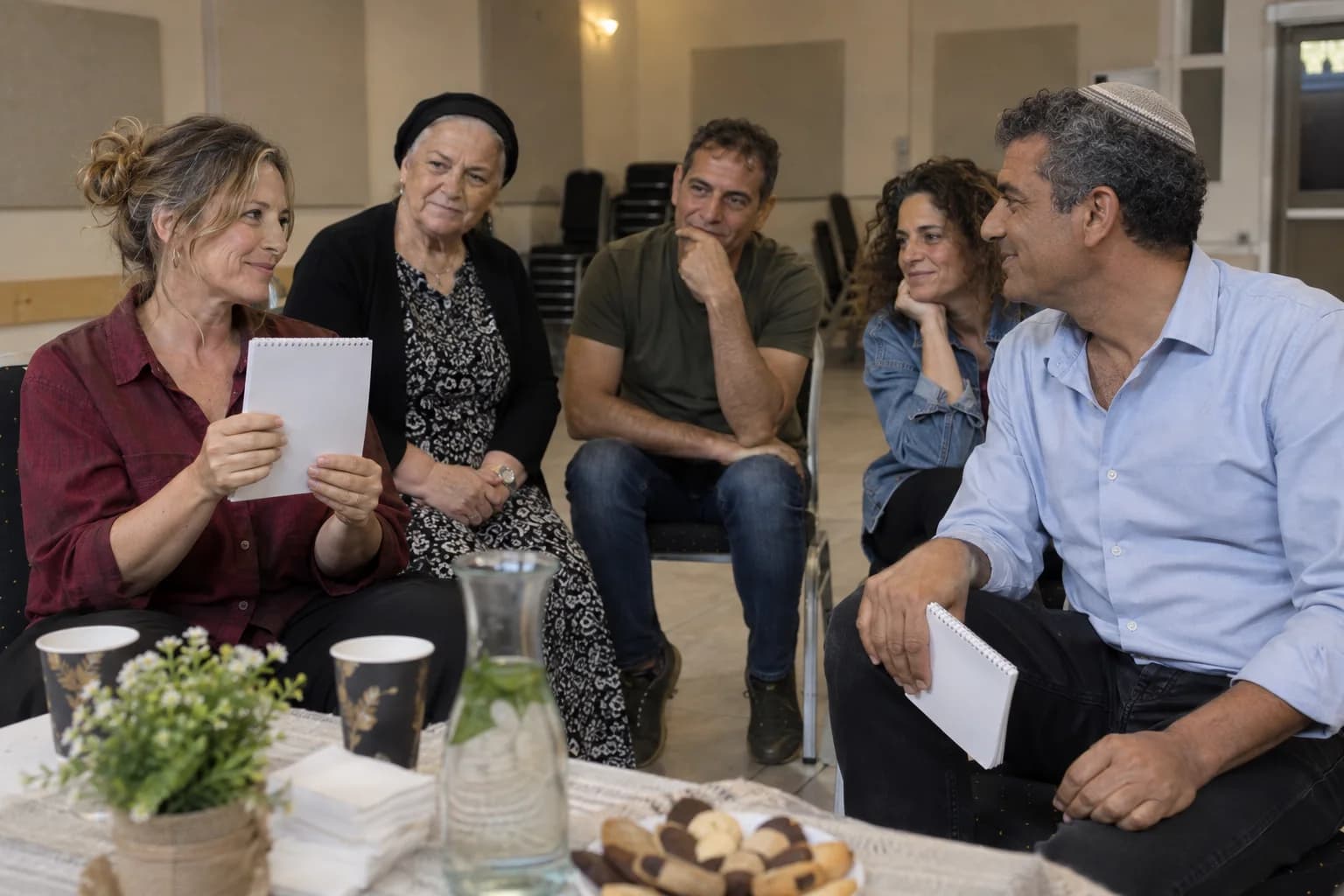
Yonatan Lavy seated across from a participant during a live interaction
Yonatan Lavy, live

Accessibility

Adjust the site’s text, colors, motion, and reading aids. Changes apply immediately.

Text adjustments

Font size

Scale all site text from its original size without reducing headings.

Line height

Add vertical space between lines of text.

Text spacing

Adds letter spacing in English. Hebrew uses word spacing so letter shapes remain intact.

Text alignment

Align eligible headings and prose without moving page layouts.

Color adjustments

Contrast

Choose a semantic high-contrast palette while keeping images and controls intact.

Saturation

Reduce or increase color intensity. This combines with contrast and grayscale.

Content highlighting

Navigation and reading

Keyboard navigationUse Tab and Shift+Tab to move, Enter or Space to activate, and Escape to close dialogs. Focus indicators stay visible.Always active
Cursor size

Enlarge the mouse or pen pointer across site content and controls.

Cursor size affects mouse and pen input only; touch screens do not display a cursor.