What the close-up leaves out
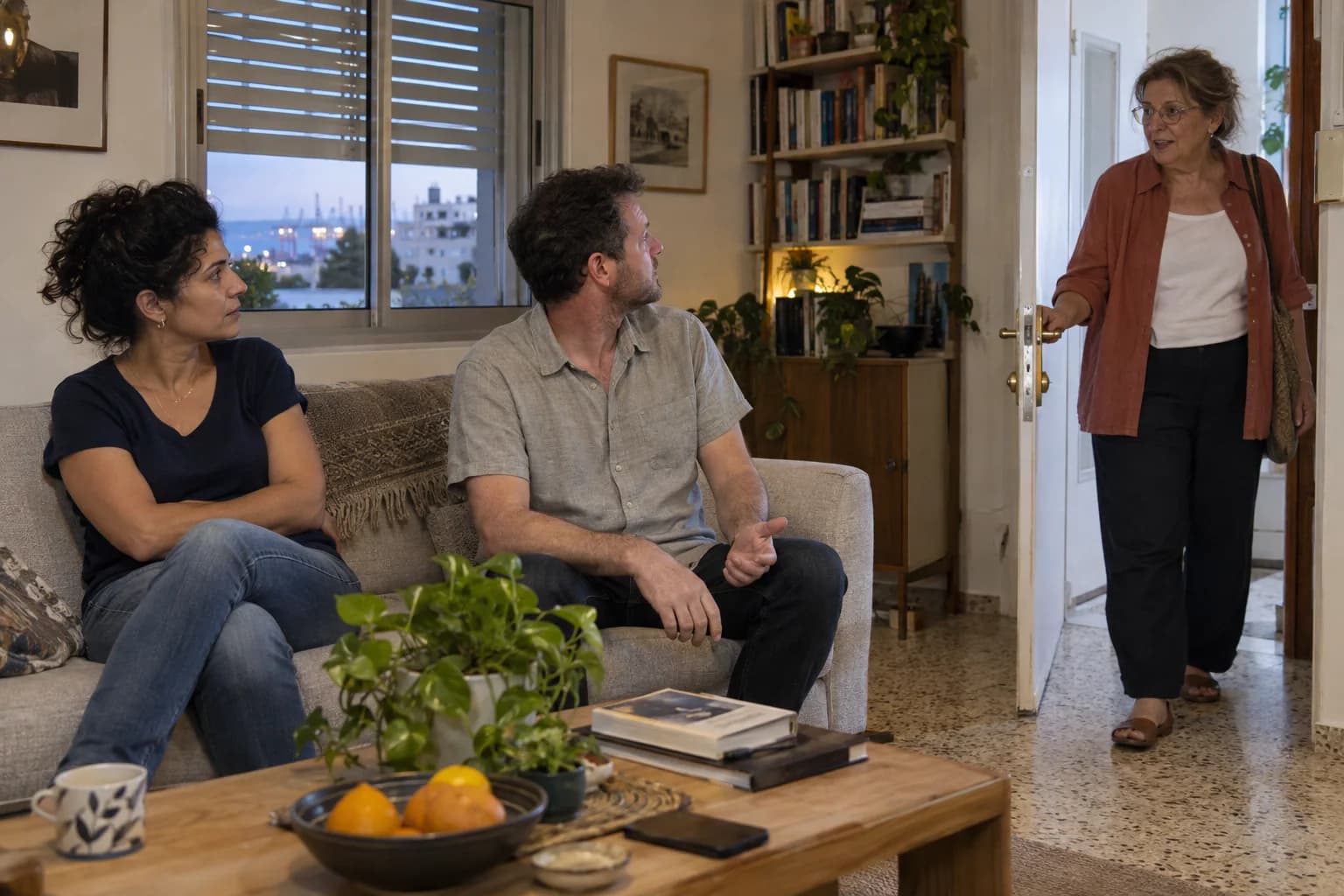
Folded arms. A glance to the side. Before you decide what either means, look at the part of the conversation the camera has left out.
AI-created illustrative scenes
The person missing from your first impression
In the close view, her folded arms and sideways look might suggest she has withdrawn from the conversation. Widen the frame: another person is speaking from the doorway. The man beside her is looking there too.
What changed was your information
Visible in the scene
- Her arms are folded.
- Both seated people face the doorway.
- A third person has entered.
Added by the viewer
“She does not want to be here.”
That last sentence adds a reason the picture cannot supply. The wider view gives her glance a destination. It still cannot tell us exactly how she feels.
Read the exchange, not a pose
A single posture is a frozen fragment. Who just spoke? Who turned after them? What happened before the arms folded? Following that small sequence gives you more to work with than memorising a supposed meaning for crossed arms.
For a performer, the useful question is immediate: can everyone follow what is happening? If someone is looking past the action, a clearer position or an extra moment may help. That is observation used to guide a room, not a shortcut into someone’s thoughts.
Yonatan Lavy
And then a thought crosses the room
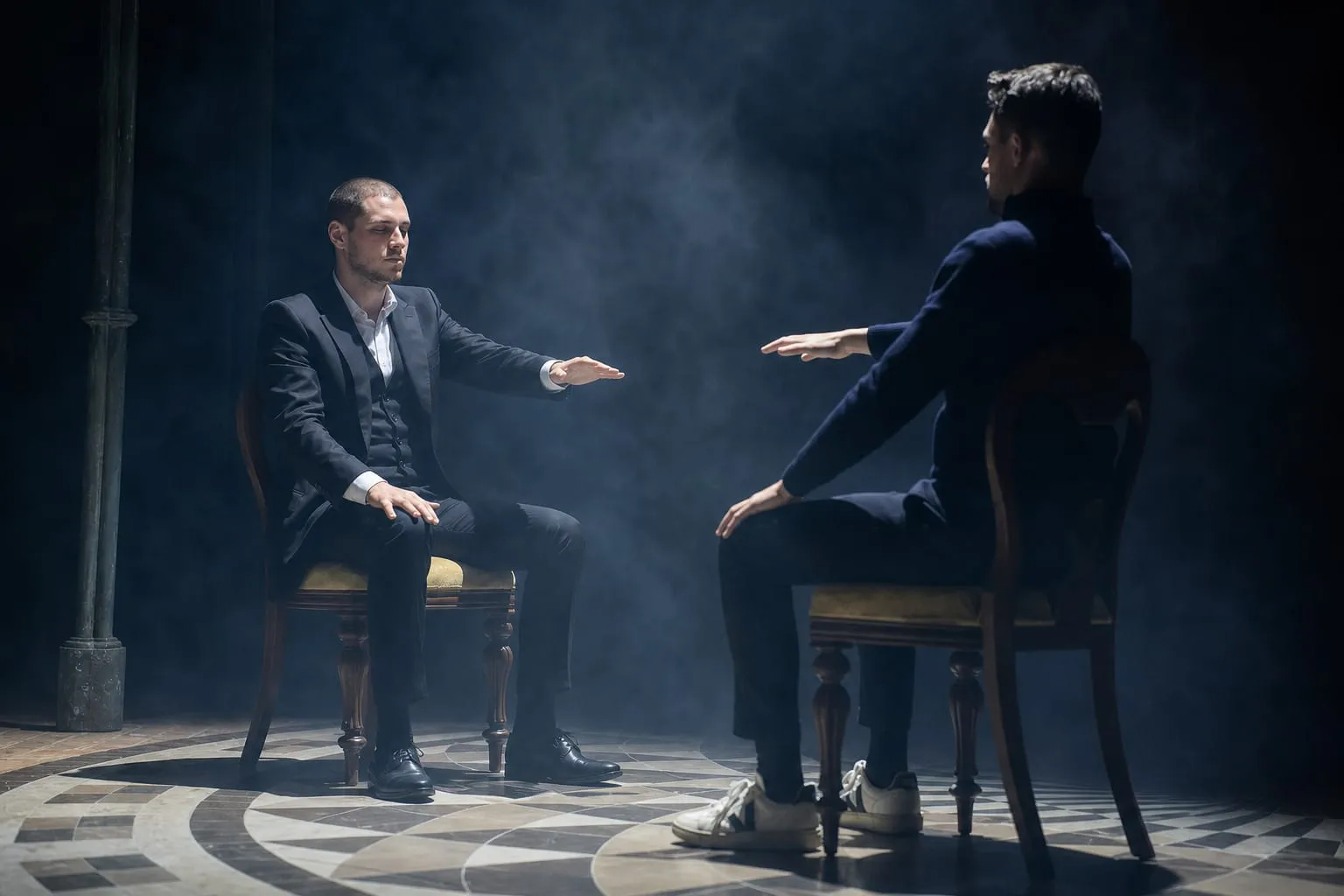
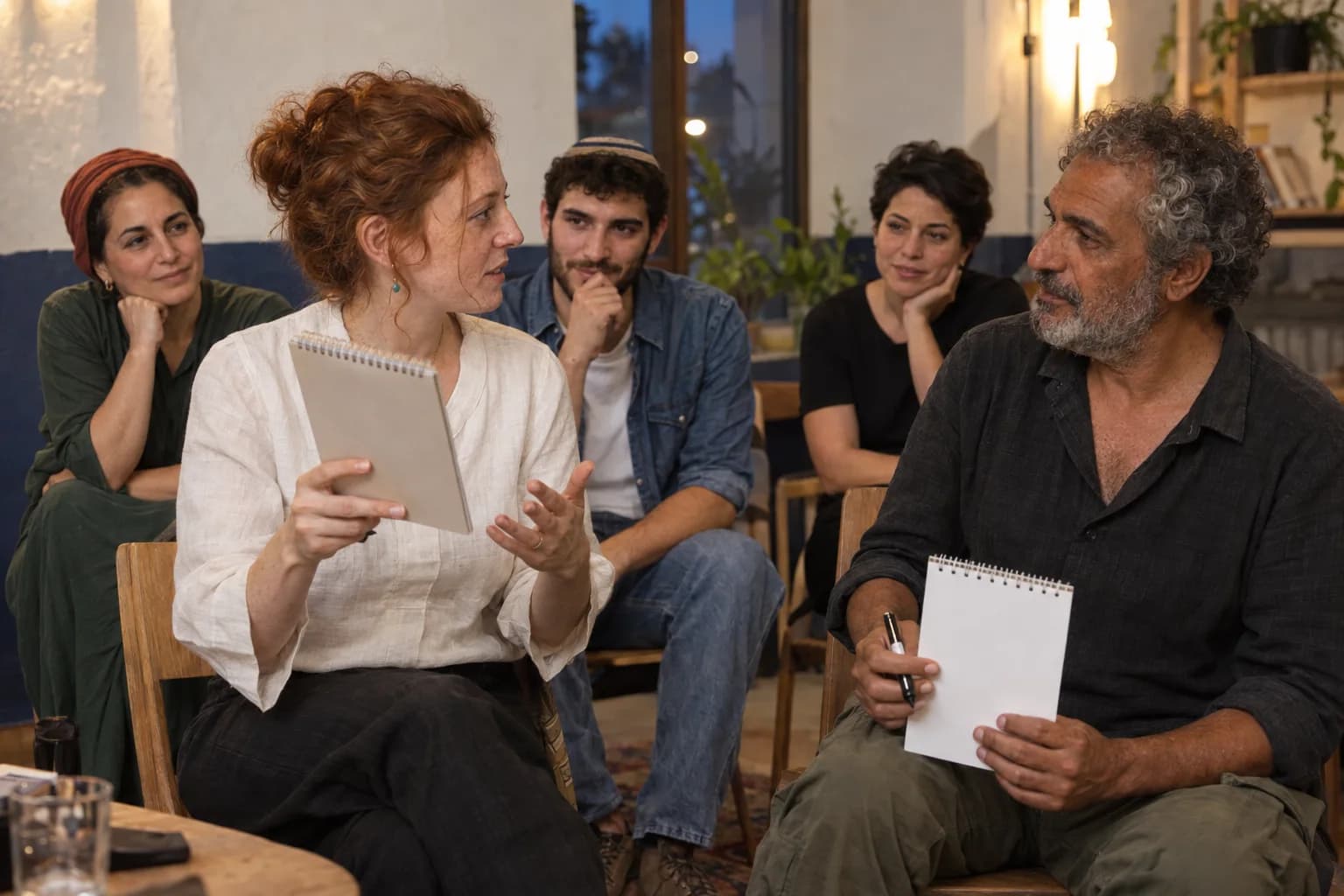
With Yonatan Lavy, guests discover a name or drawing another guest has only held in mind. Reading the room helps make that encounter clear. The apparent mind reading is the experience you come to see.
Describe your event