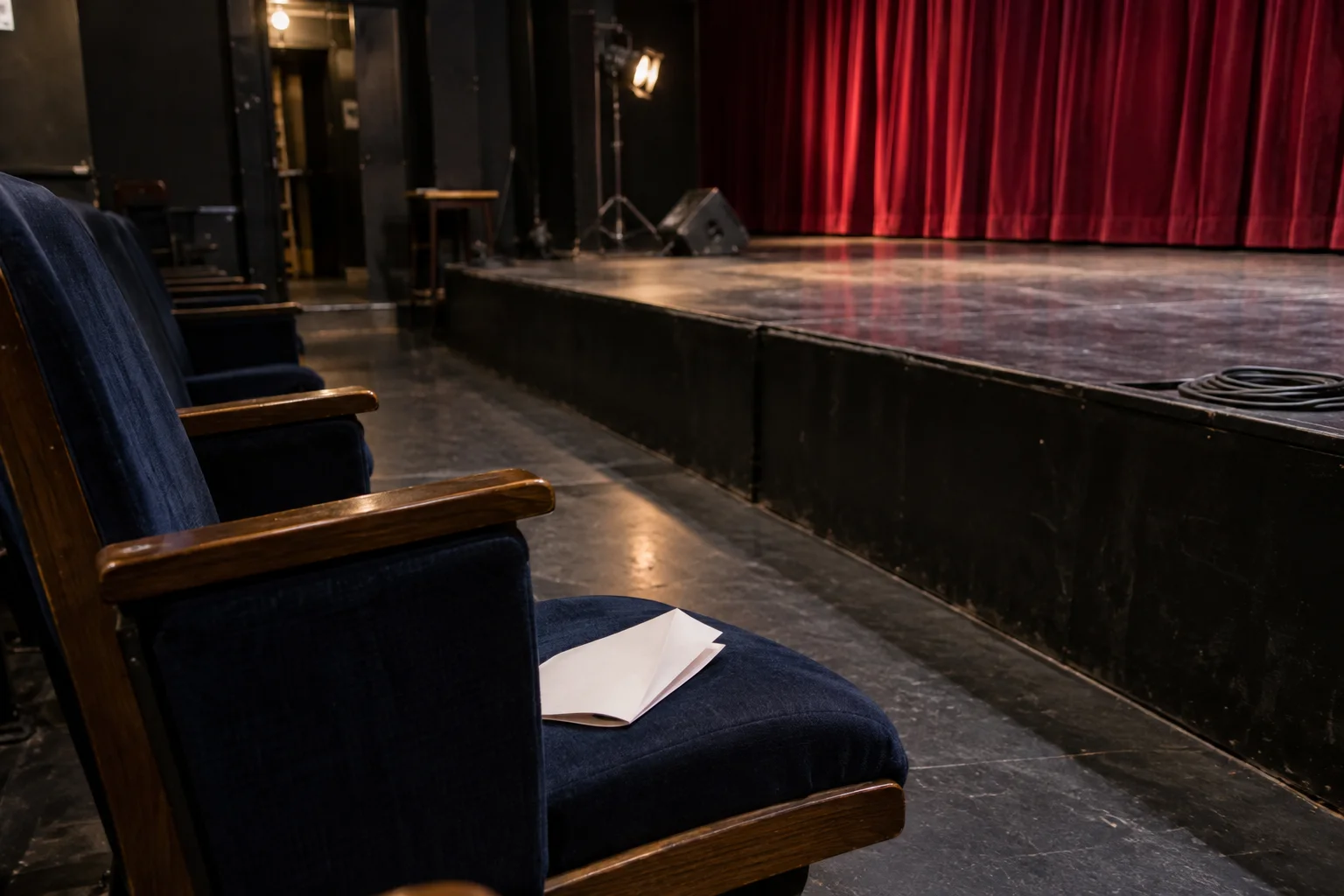
The Printed Time Is Not the Start Time

A full room can still be unavailable. Start only when guests, attention, the previous beat and the next cue are visibly ready at the same moment.

Four visible conditions open one slot

The readiness gantry

Four visible conditions open one slot

A supplier being told to stop is not the same as plates, music, screens and photography directions actually stopping. One missing condition keeps the gate amber.

  1. Guests

    The people this chapter needs are present, seated and no longer waiting for an essential arrival.

  2. Attention

    Plates, music, screens, photography directions and side announcements have actually stopped.

  3. Transition

    The previous beat has visibly finished; the room does not need to abandon something halfway through.

  4. Exit

    One named person owns the first action after the finale and waits through one clean breath.

Amber is useful information. Change the slot or the format instead of asking the audience to repair the schedule.

A generated staged triptych of the same event room: service crosses the lane, a previous speaker remains at the lectern, then settled guests face a clear stage and cue owner

The GATE boundary

Read the room, not the printed minute

Read the sequence: moving service, an unfinished speaker, settled guests and a clear aisle. Only the final frame shows a clean handoff.

  1. Previous beat ends
  2. protected chapter
  3. next beat starts

Take this three-line slice from the live running order. Write an owner beside each line and verify the change in the room itself. A timestamp cannot turn a missing cue green.

I treat the printed time as a hypothesis. The real cue is visible: the last plate clears, the speaker lands, or the room settles after a break. I protect that handoff, not the number on the page.

Green means available, not persuaded

The gate protects the first minute from cutlery, movement and announcements. It cannot certify attention or guarantee that everyone understands.

A clean slot lets each moment finish. One guest makes a choice; another later creates a different, complete experience.

Send three lines, not the entire schedule

Share what must finish, what must pause, what starts next and who owns each cue. Add the room and sound constraint. That is enough to test the format against the event that will actually happen.

Discuss the running order

Accessibility

Adjust the site’s text, colors, motion, and reading aids. Changes apply immediately.

Text adjustments

Font size

Scale all site text from its original size without reducing headings.

Line height

Add vertical space between lines of text.

Text spacing

Adds letter spacing in English. Hebrew uses word spacing so letter shapes remain intact.

Text alignment

Align eligible headings and prose without moving page layouts.

Color adjustments

Contrast

Choose a semantic high-contrast palette while keeping images and controls intact.

Saturation

Reduce or increase color intensity. This combines with contrast and grayscale.

Content highlighting

Navigation and reading

Keyboard navigationUse Tab and Shift+Tab to move, Enter or Space to activate, and Escape to close dialogs. Focus indicators stay visible.Always active
Cursor size

Enlarge the mouse or pen pointer across site content and controls.

Cursor size affects mouse and pen input only; touch screens do not display a cursor.