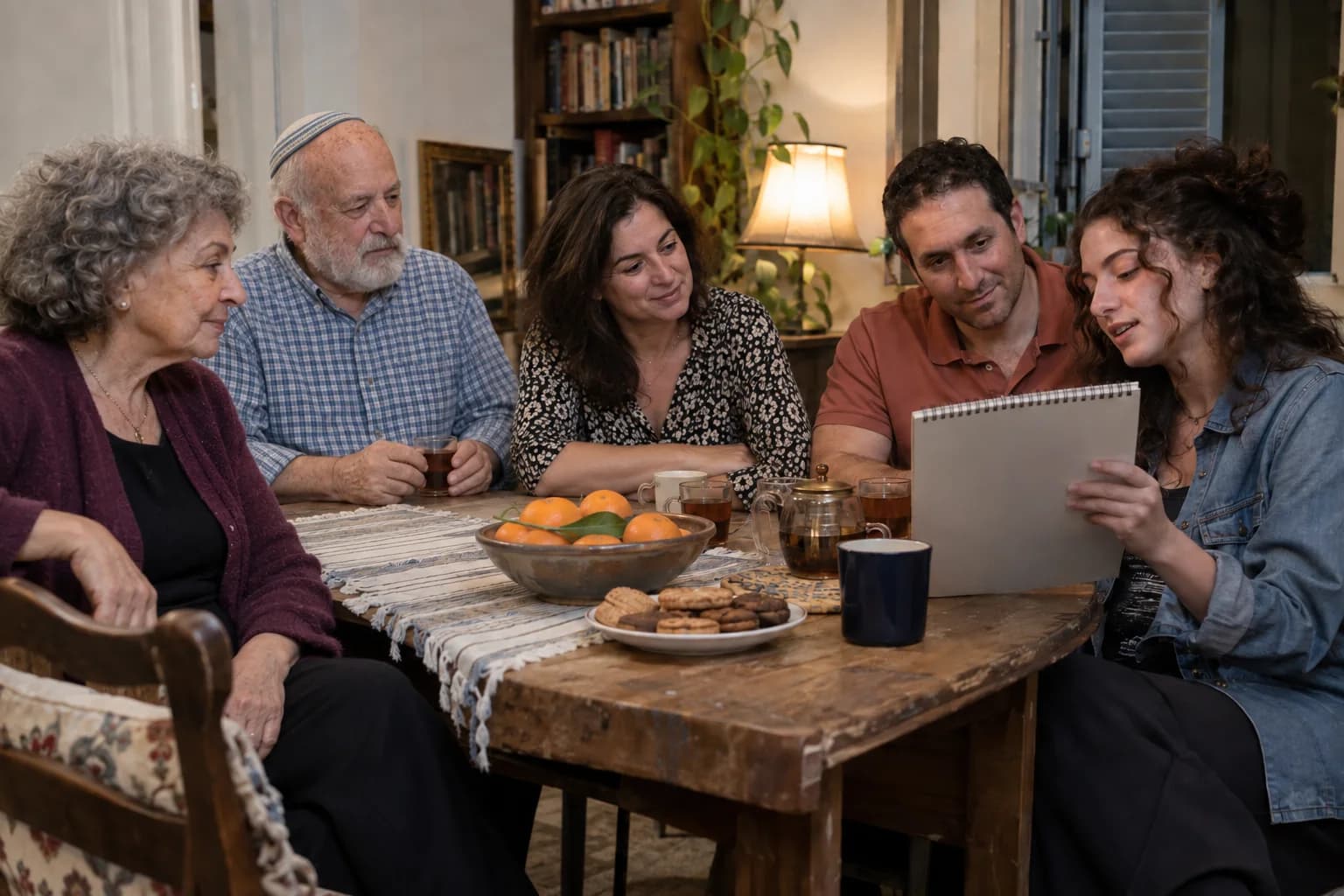
Try the view from this seat

A living room can seem perfectly suited to a show until you sit behind someone. Look from one guest’s position, then see what a small move changes.
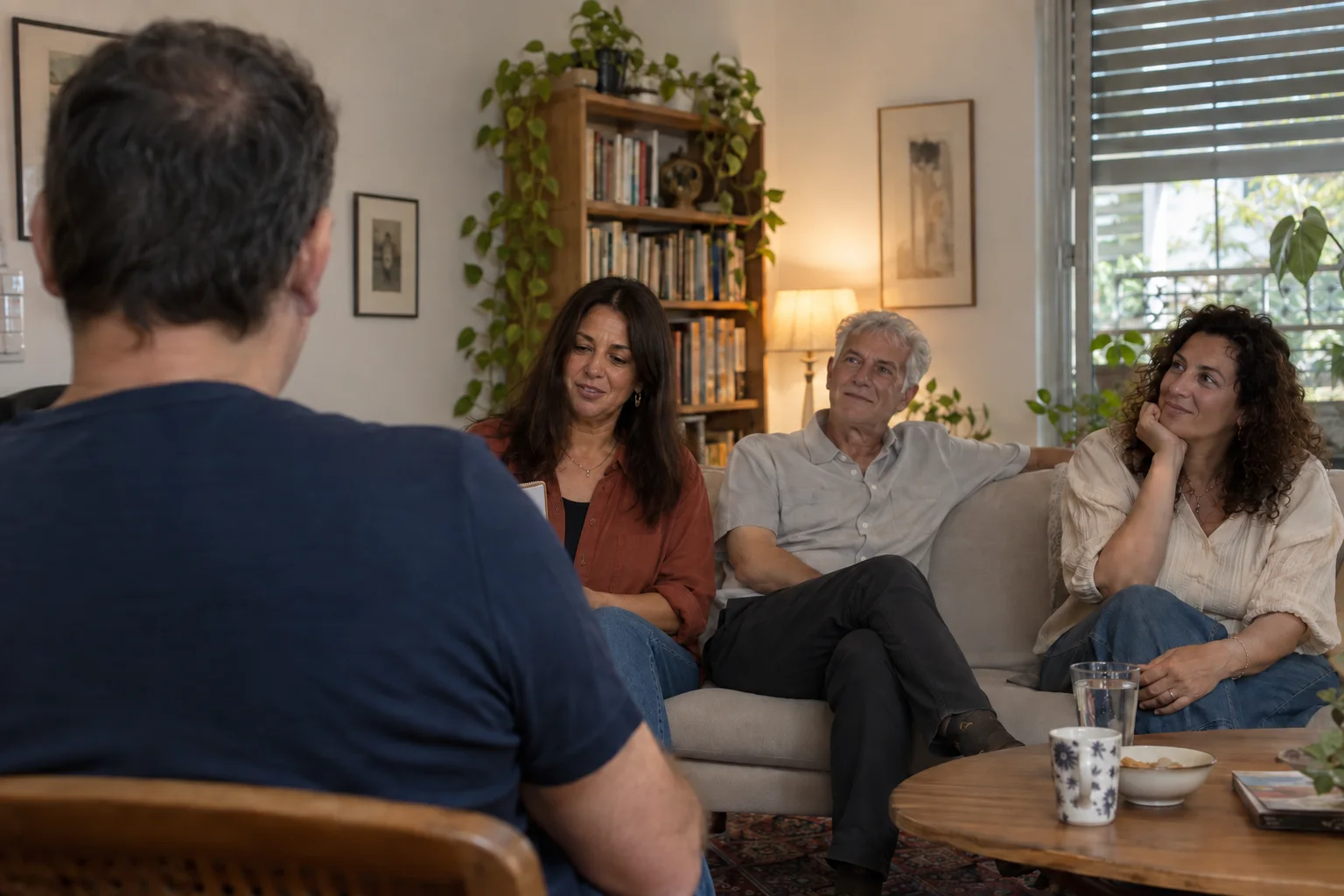
From a seated guest’s viewpoint, another person’s shoulder obscures most of a drawing pad in a living room

AI-created illustrations of imagined scenes

The room is the same. The view is not

A foreground guest’s head and shoulder block the drawing pad held by a woman near the sofa
AI-created illustrations of imagined scenes

From behind a shoulder

You can see the guest’s face and the edge of the pad. The person beside you can see the drawing. You cannot.
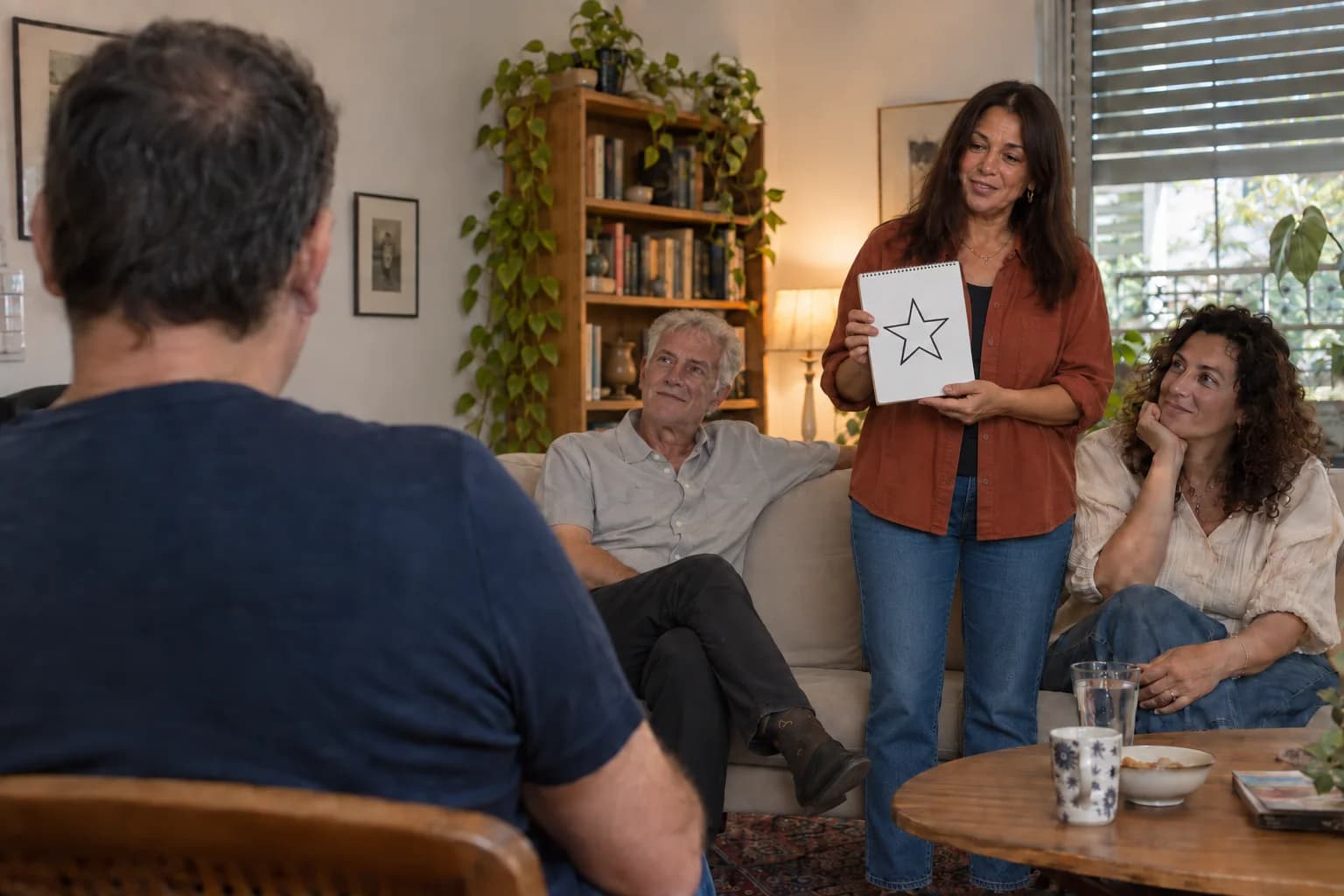
From the same camera position, the woman now stands to the right with the whole star drawing visible
AI-created illustrations of imagined scenes

After the pad moves to the side

The pad-holder changes position and stands. The drawing is now visible from this same seat. The room has gained a useful sightline without gaining a stage.

Start with the seat that sees least

The small plan isolates what changed: the line from this seat to the drawing no longer passes through someone’s shoulder. It is an illustration of one room, not a measured venue plan.

Before settling on a focal point, sit at the edges and the back. Faces, small objects and words all need to reach the people there. A different arrangement may solve it; a crowded or noisy room may need a different format.

  1. Your viewpoint
  2. The obstructing seat
  3. The pad moves into view

Yonatan Lavy

Let the room help the discovery

Yonatan Lavy’s guest-to-guest mind reading needs a relationship people can follow. Share the space and guest count so a suitable arrangement can be considered.

Describe your space
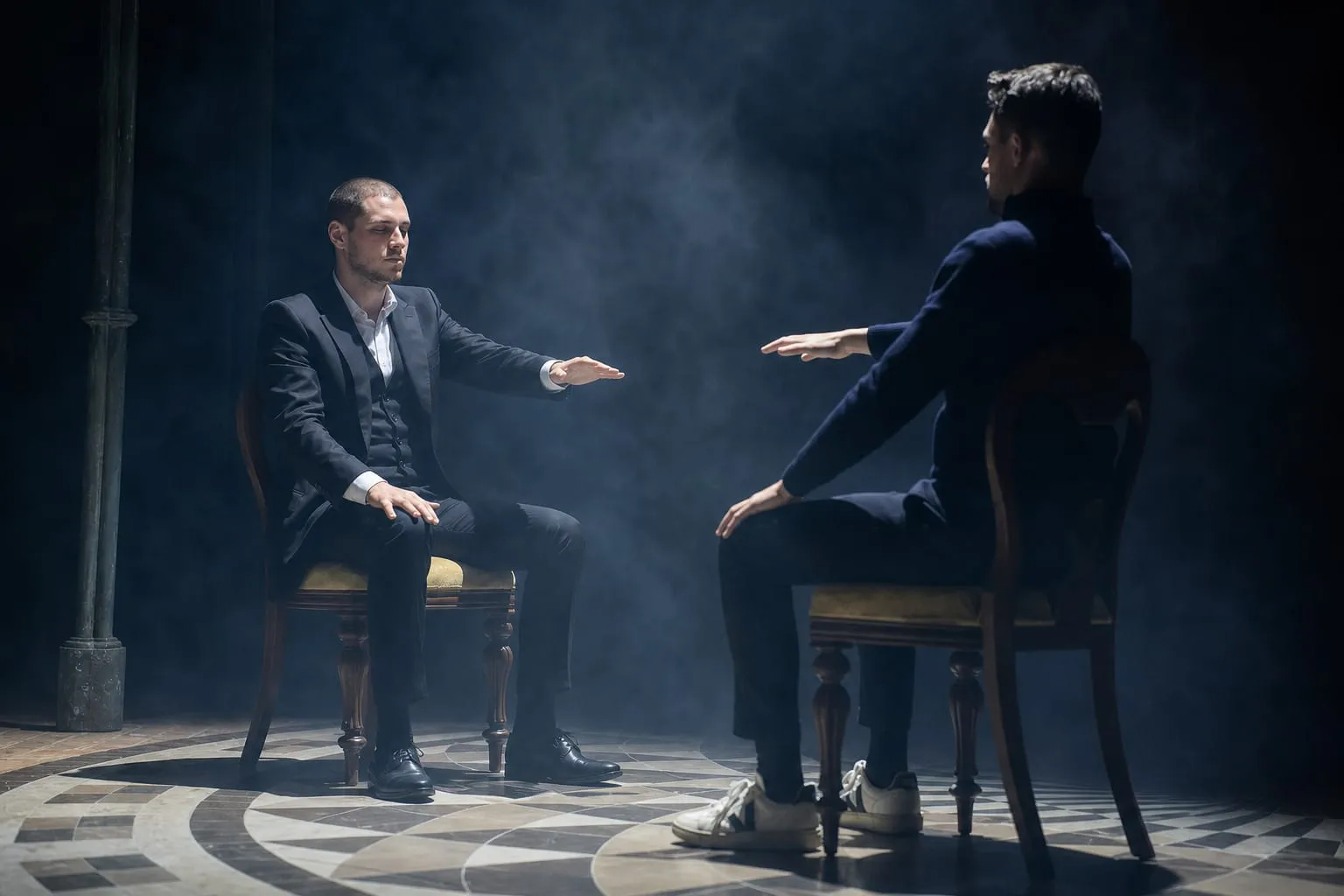
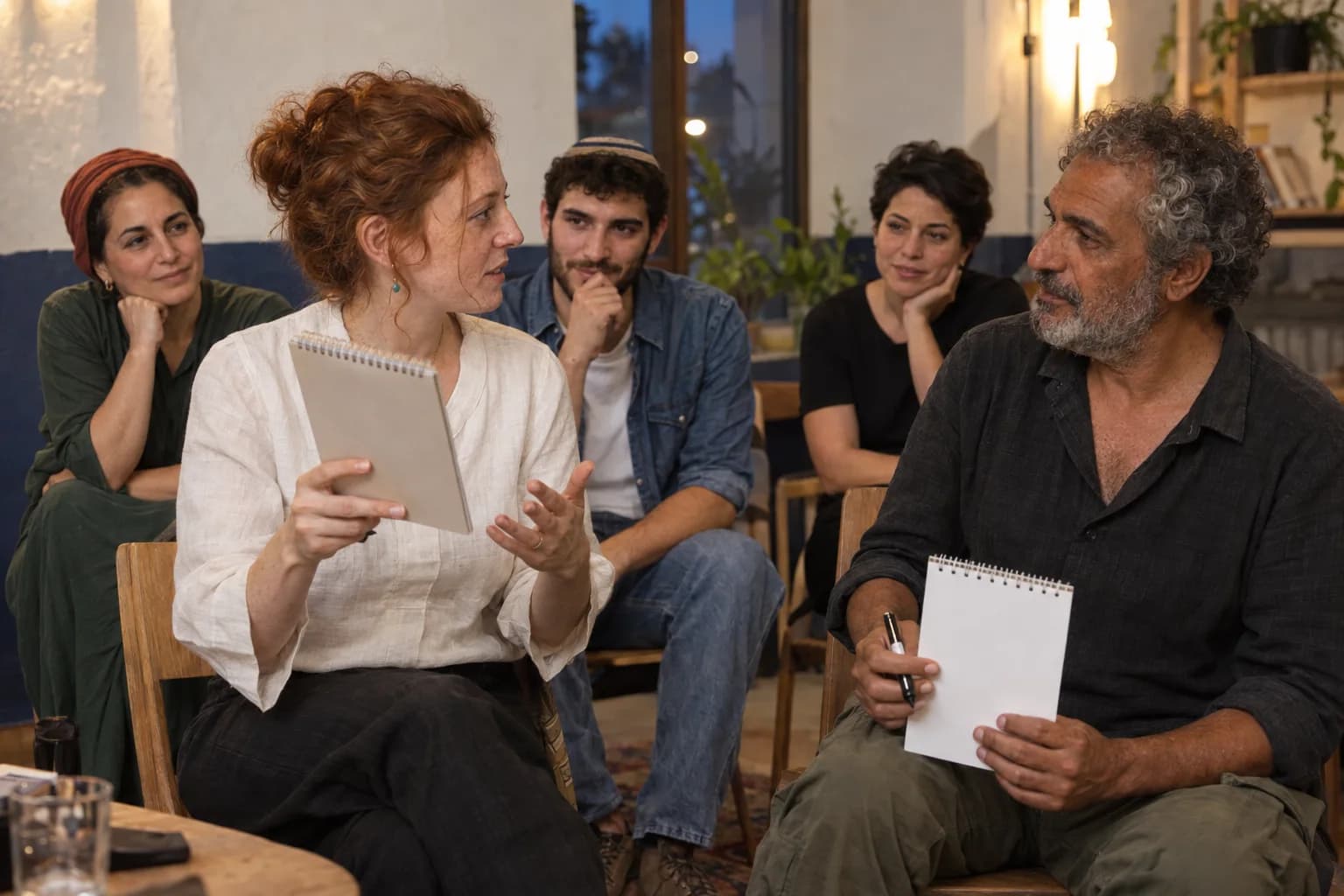
Yonatan Lavy seated across from a participant during a live interaction
Yonatan Lavy, live

Accessibility

Adjust the site’s text, colors, motion, and reading aids. Changes apply immediately.

Text adjustments

Font size

Scale all site text from its original size without reducing headings.

Line height

Add vertical space between lines of text.

Text spacing

Adds letter spacing in English. Hebrew uses word spacing so letter shapes remain intact.

Text alignment

Align eligible headings and prose without moving page layouts.

Color adjustments

Contrast

Choose a semantic high-contrast palette while keeping images and controls intact.

Saturation

Reduce or increase color intensity. This combines with contrast and grayscale.

Content highlighting

Navigation and reading

Keyboard navigationUse Tab and Shift+Tab to move, Enter or Space to activate, and Escape to close dialogs. Focus indicators stay visible.Always active
Cursor size

Enlarge the mouse or pen pointer across site content and controls.

Cursor size affects mouse and pen input only; touch screens do not display a cursor.