They stopped. What happens next?

At a conference booth, a small crowd is easy to notice. The more revealing moment comes just afterward: does anyone have a reason to start the next conversation?
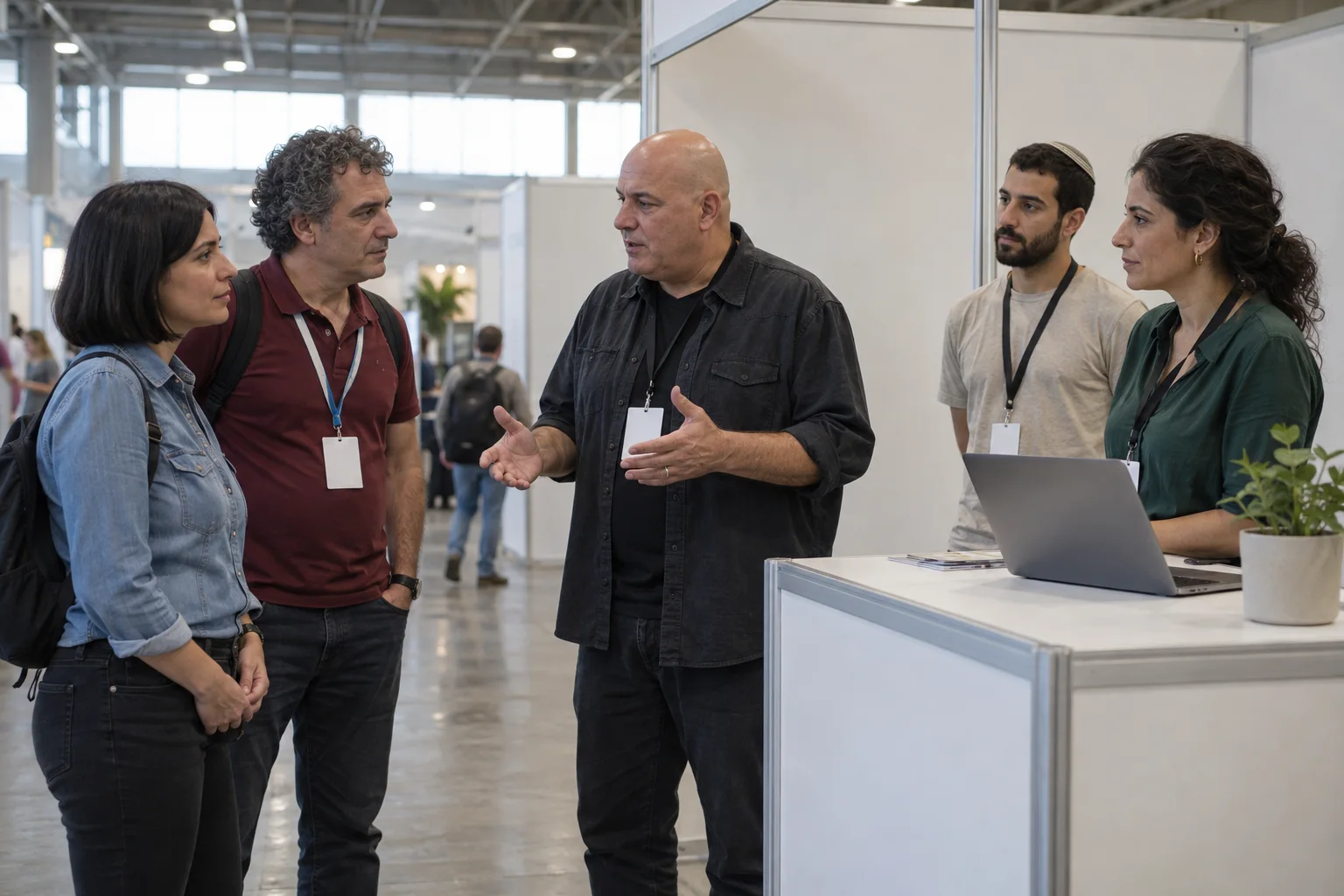
Visitors approach an illustrative exhibition booth with a clear aisle beside it

AI-created illustrations of imagined scenes

Give the stop a satisfying reason

A visitor watches another guest reveal a drawing. There is a clear question, then a result. That shared moment gives the exhibitor something to follow, but it has not yet established an interest in the product.
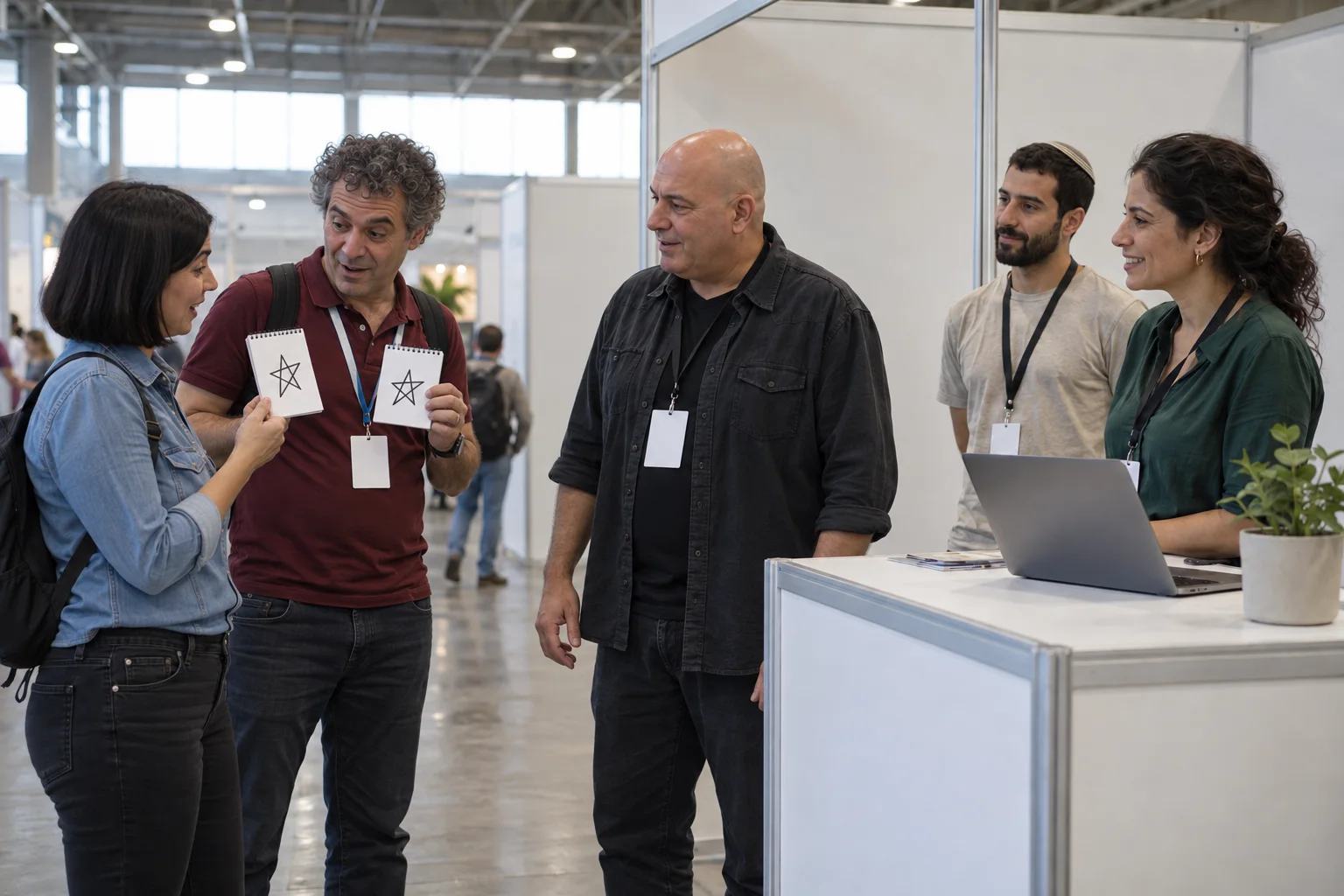
Two visitors and a facilitator share a drawing reveal inside an exhibition stand
AI-created illustrations of imagined scenes

The same moment can end two ways

The team says nothing

The drawing comes down. The aisle carries on.

The visitor enjoyed something, but no relevant next exchange has been opened.

Someone has a useful first question

“Where does your team lose time between an enquiry and a reply?”

Imagine an exhibitor offering enquiry-management software. A representative asks about the visitor’s actual work, giving them a reason to continue or move on.
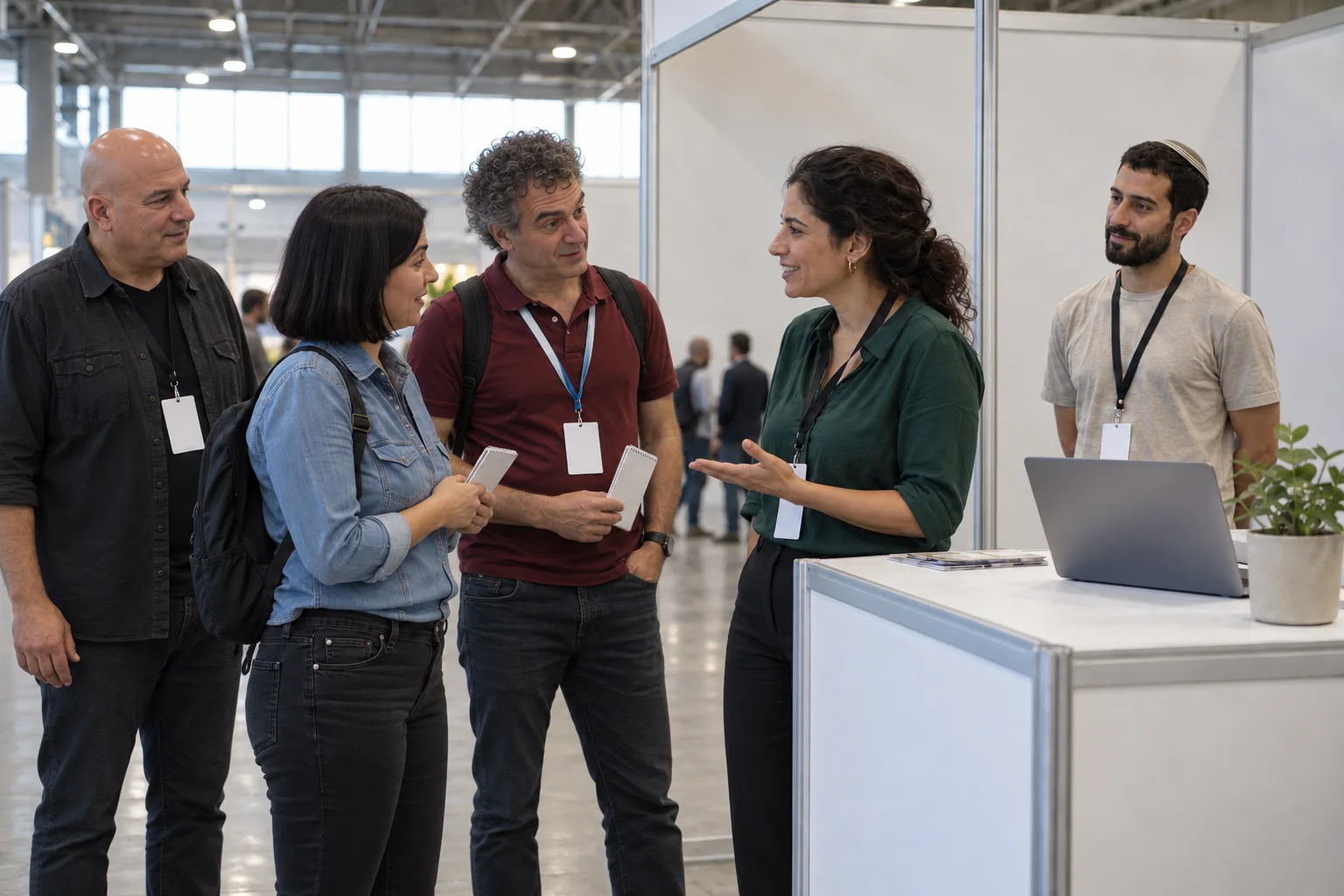
An exhibition representative speaks with visitors after the illustrated encounter
AI-created illustrations of imagined scenes

Now the representative owns the conversation

The performer makes room. The representative listens to the answer. Only here does the imagined software scenario become a conversation about fit. Attention opened the opportunity; it did not qualify the visitor.

Yonatan Lavy

Give the encounter a relevant next step

Share your exhibition, audience and objective. An encounter with Yonatan Lavy can be considered alongside the stand team’s role and the conversation you want to open.

Discuss your conference booth
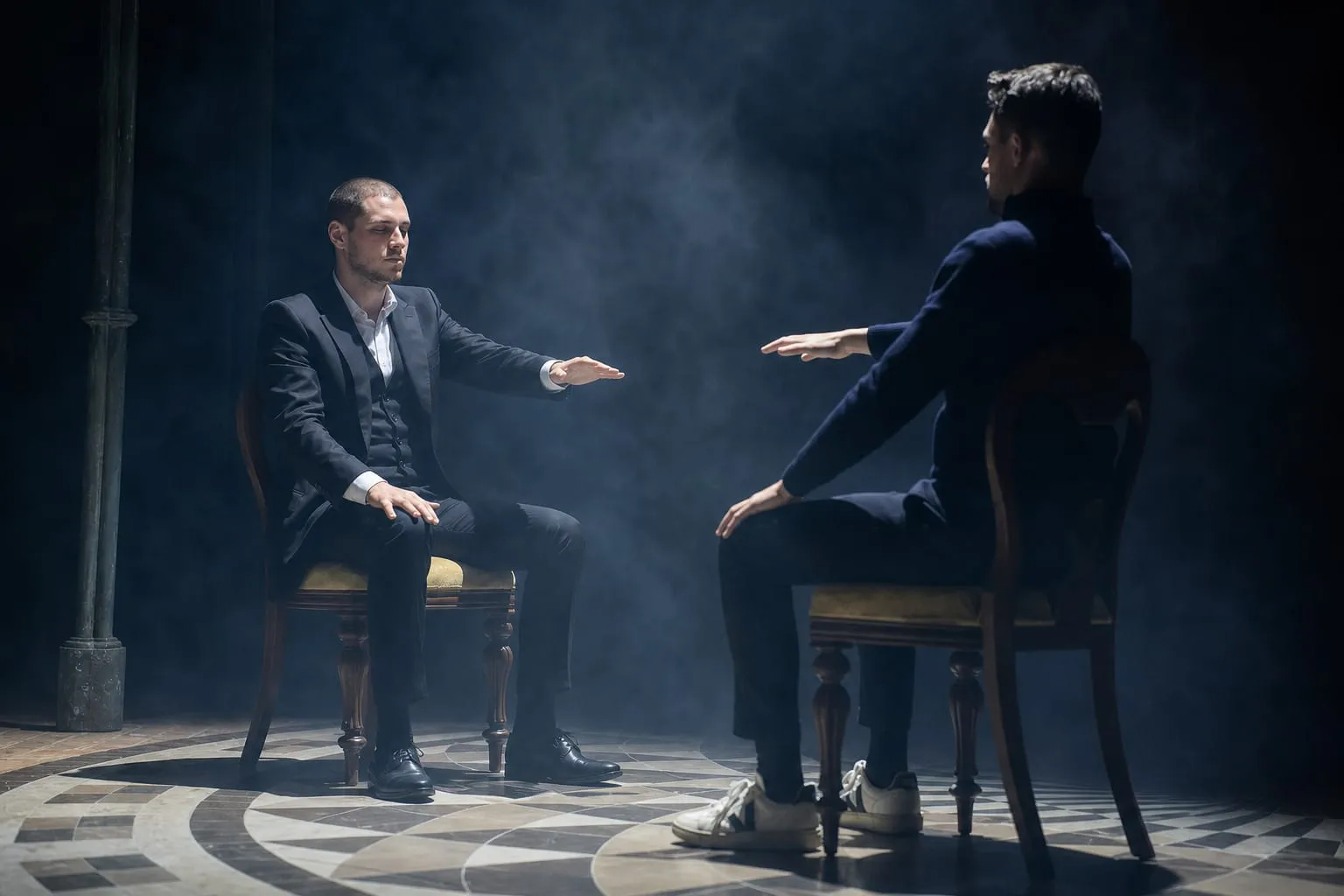

Yonatan Lavy seated across from a participant during a live interaction
Yonatan Lavy, live

Accessibility

Adjust the site’s text, colors, motion, and reading aids. Changes apply immediately.

Text adjustments

Font size

Scale all site text from its original size without reducing headings.

Line height

Add vertical space between lines of text.

Text spacing

Adds letter spacing in English. Hebrew uses word spacing so letter shapes remain intact.

Text alignment

Align eligible headings and prose without moving page layouts.

Color adjustments

Contrast

Choose a semantic high-contrast palette while keeping images and controls intact.

Saturation

Reduce or increase color intensity. This combines with contrast and grayscale.

Content highlighting

Navigation and reading

Keyboard navigationUse Tab and Shift+Tab to move, Enter or Space to activate, and Escape to close dialogs. Focus indicators stay visible.Always active
Cursor size

Enlarge the mouse or pen pointer across site content and controls.

Cursor size affects mouse and pen input only; touch screens do not display a cursor.