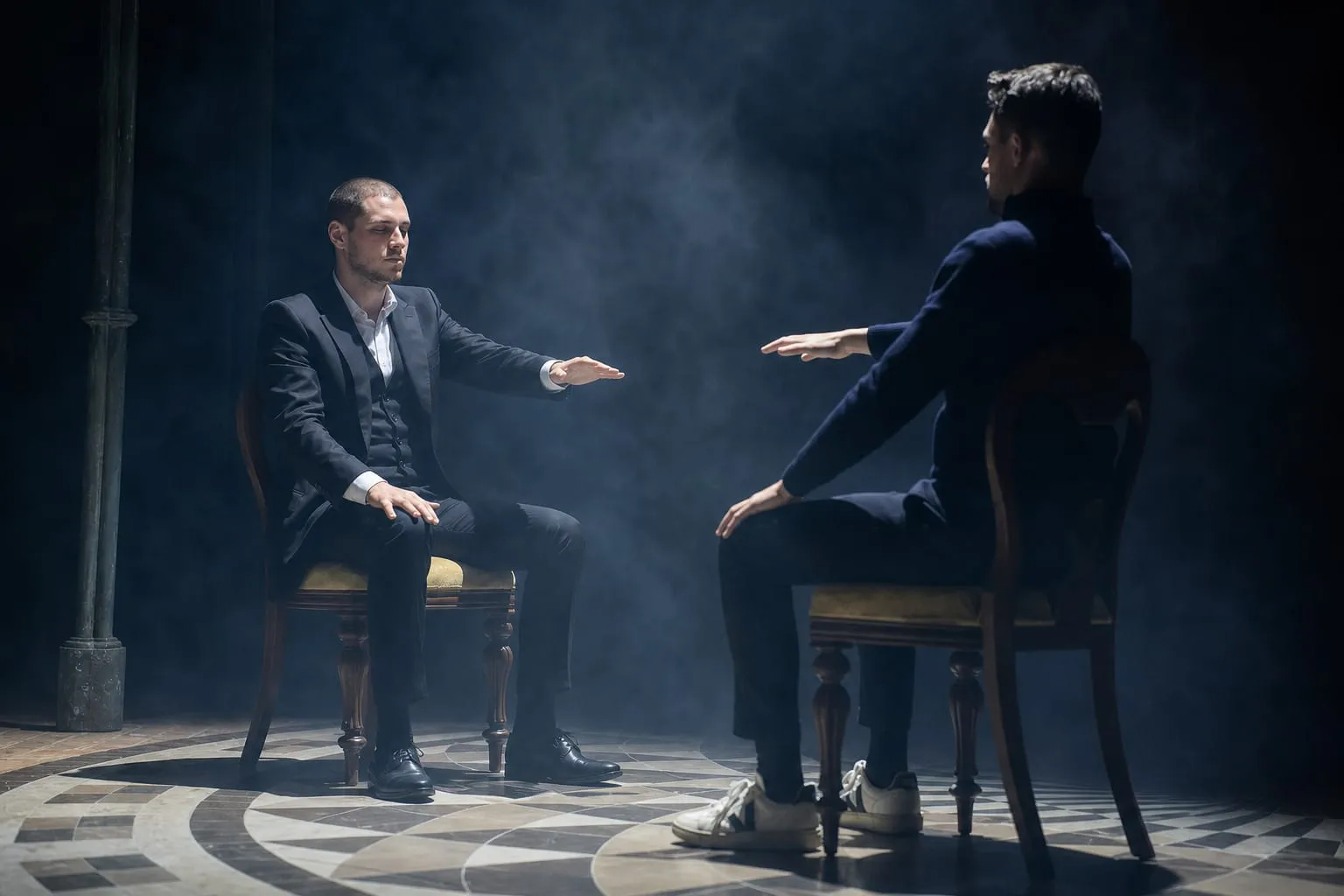
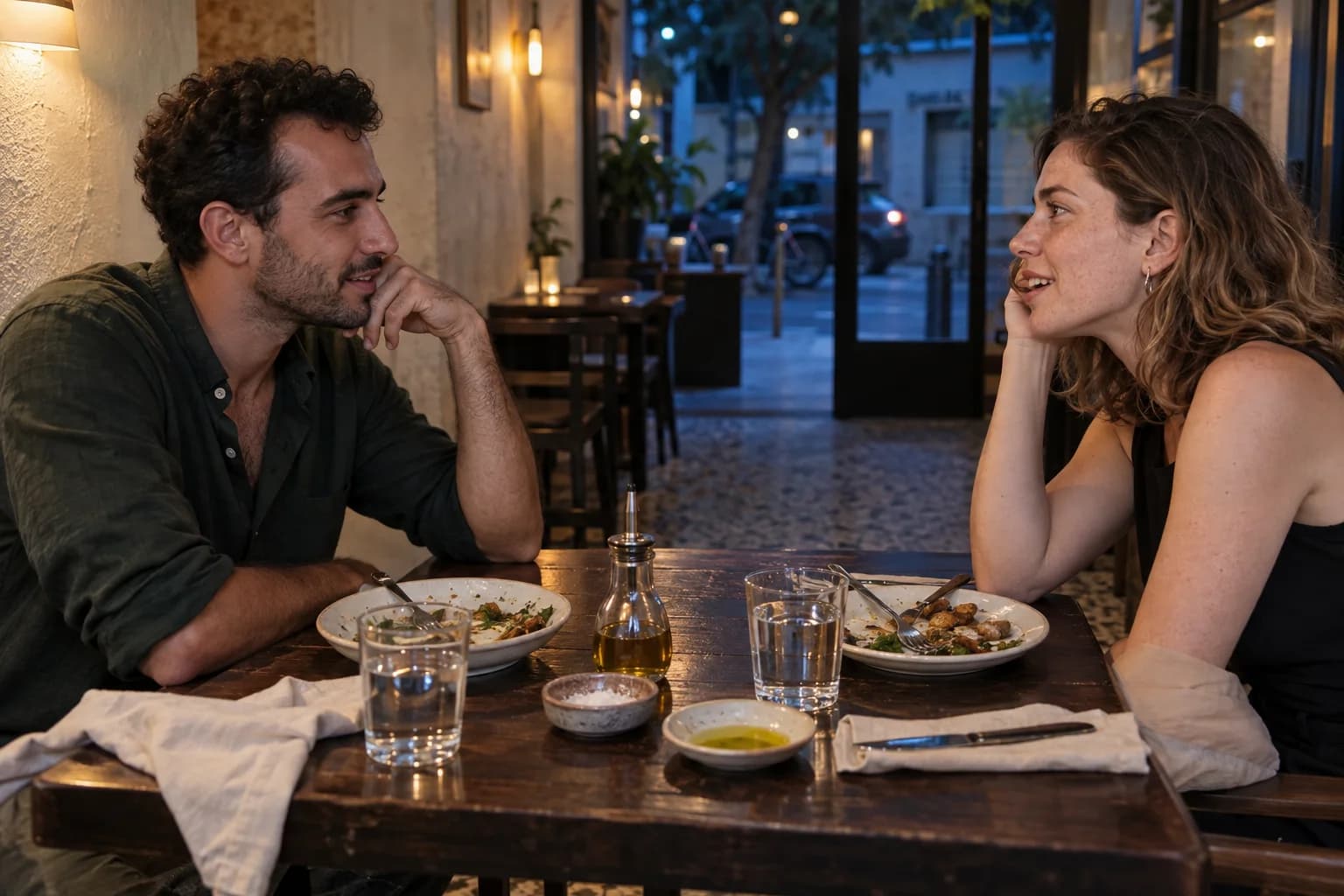
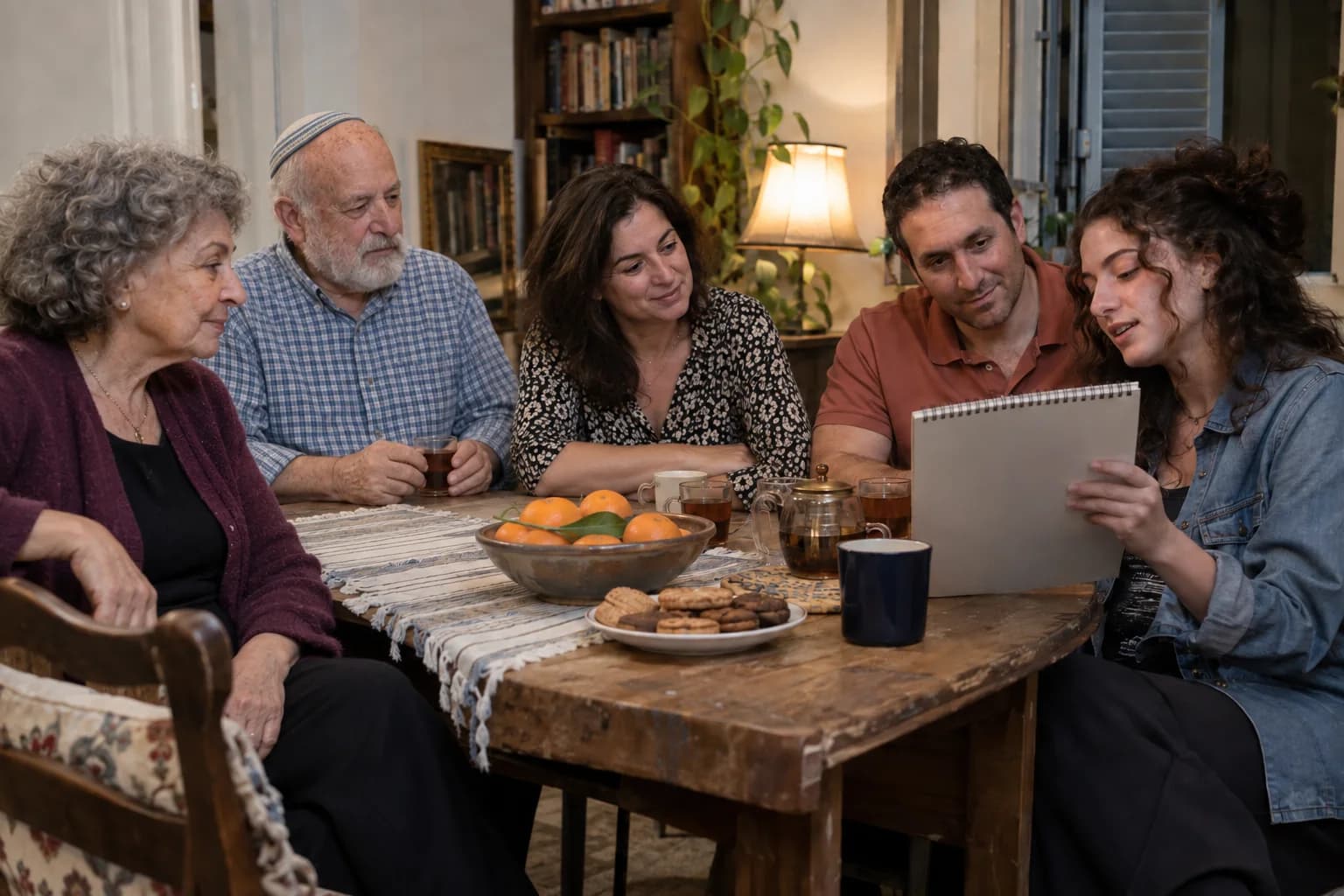
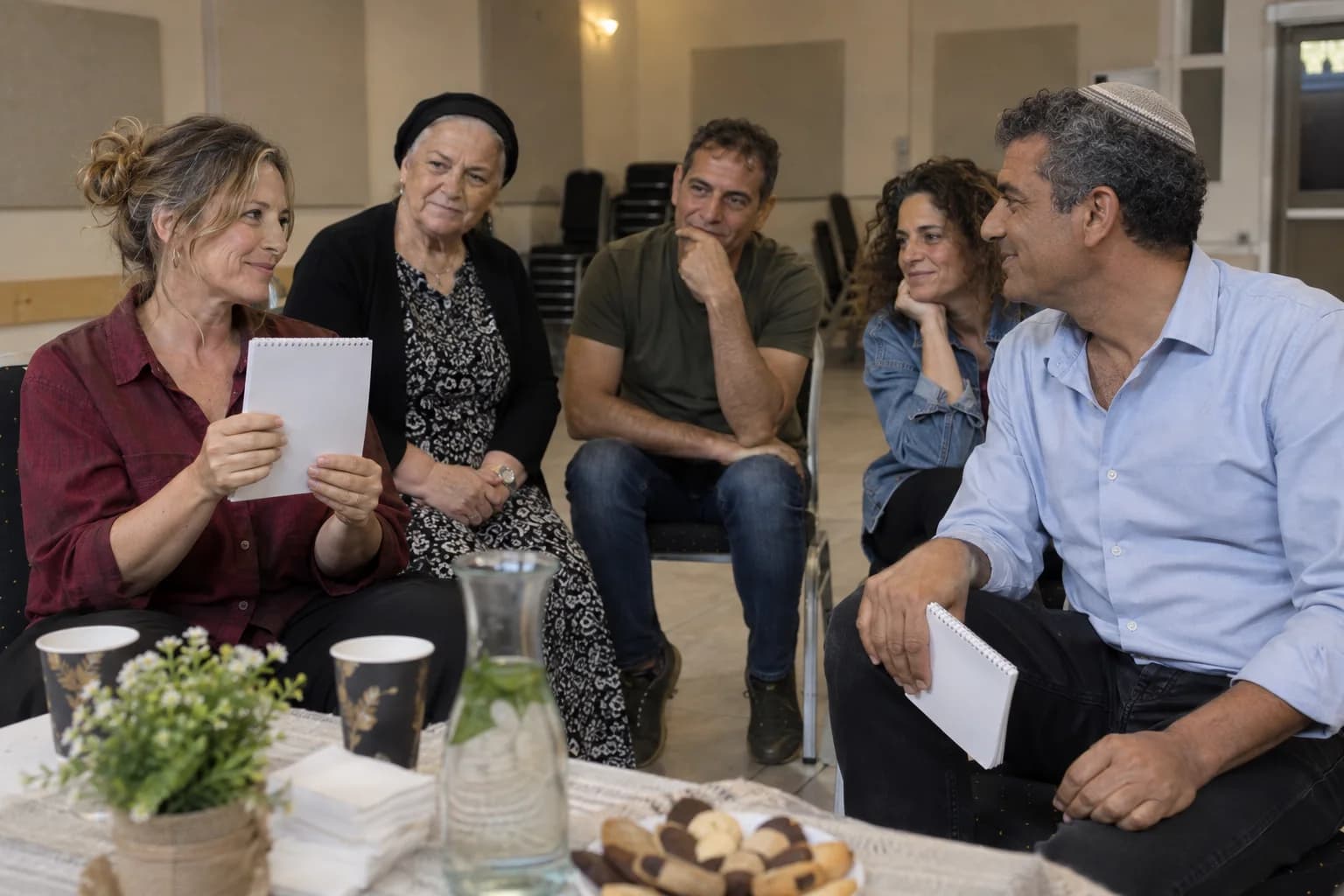
A staged wedding reception with a fictional couple at the centre, three guests seated in a gentle arc, and a microphone resting at the edge

Every Wedding Moment Needs a Way Back to the Couple

Guests may carry the action, but the final meaning belongs to the couple. The next supplier cue waits until that return has landed.

The return route

Send the action out. Bring the meaning home

A wedding chapter needs three visible stops: one guest action, one protected centre and one clean return.

  1. Send one action outward

    Guests notice, choose or contribute. One clear action opens the room without turning the wedding into a workshop.

  2. Keep one emotional centre

    The action can move between tables and generations; the couple remains the reason every contribution matters.

  3. Land before the next cue

    Earlier choices return as one image, thought or gift for the couple. Only then do service, music or speeches restart.

No return to the couple means no place in the wedding.

Choose the shape before choosing the moment

Moving reception

Use close mind reading while mixed groups are already meeting, without blocking greetings, photographs, service or cultural traditions.

Gathered chapter

Pause service, protect the furthest table's sightline and let separate guest choices return as one impossible gift to the couple.

Test speech from the furthest table

Run the microphone while service noise is present, then clear the service lane. Dance-floor volume does not prove that grandparents can follow a quiet sentence.

I ask one person to protect the couple's final breath. Service stays still, the microphone stops being the story, and the next cue waits until the room has looked back at the couple.

Plan the way home before the moment begins

Bring the three-beat timeline, the couple's proxy, the furthest-table sound result, the clear service lane and the named next cue. The experience can then be built around the wedding rather than asking the wedding to accommodate a fixed show.

Discuss the wedding chapter

Accessibility

Adjust the site’s text, colors, motion, and reading aids. Changes apply immediately.

Text adjustments

Font size

Scale all site text from its original size without reducing headings.

Line height

Add vertical space between lines of text.

Text spacing

Adds letter spacing in English. Hebrew uses word spacing so letter shapes remain intact.

Text alignment

Align eligible headings and prose without moving page layouts.

Color adjustments

Contrast

Choose a semantic high-contrast palette while keeping images and controls intact.

Saturation

Reduce or increase color intensity. This combines with contrast and grayscale.

Content highlighting

Navigation and reading

Keyboard navigationUse Tab and Shift+Tab to move, Enter or Space to activate, and Escape to close dialogs. Focus indicators stay visible.Always active
Cursor size

Enlarge the mouse or pen pointer across site content and controls.

Cursor size affects mouse and pen input only; touch screens do not display a cursor.