The ending changes the beginning
Why does one detail stay with you after a theatre show? Try this tiny fictional story. There is only one thing to remember: an empty chair.
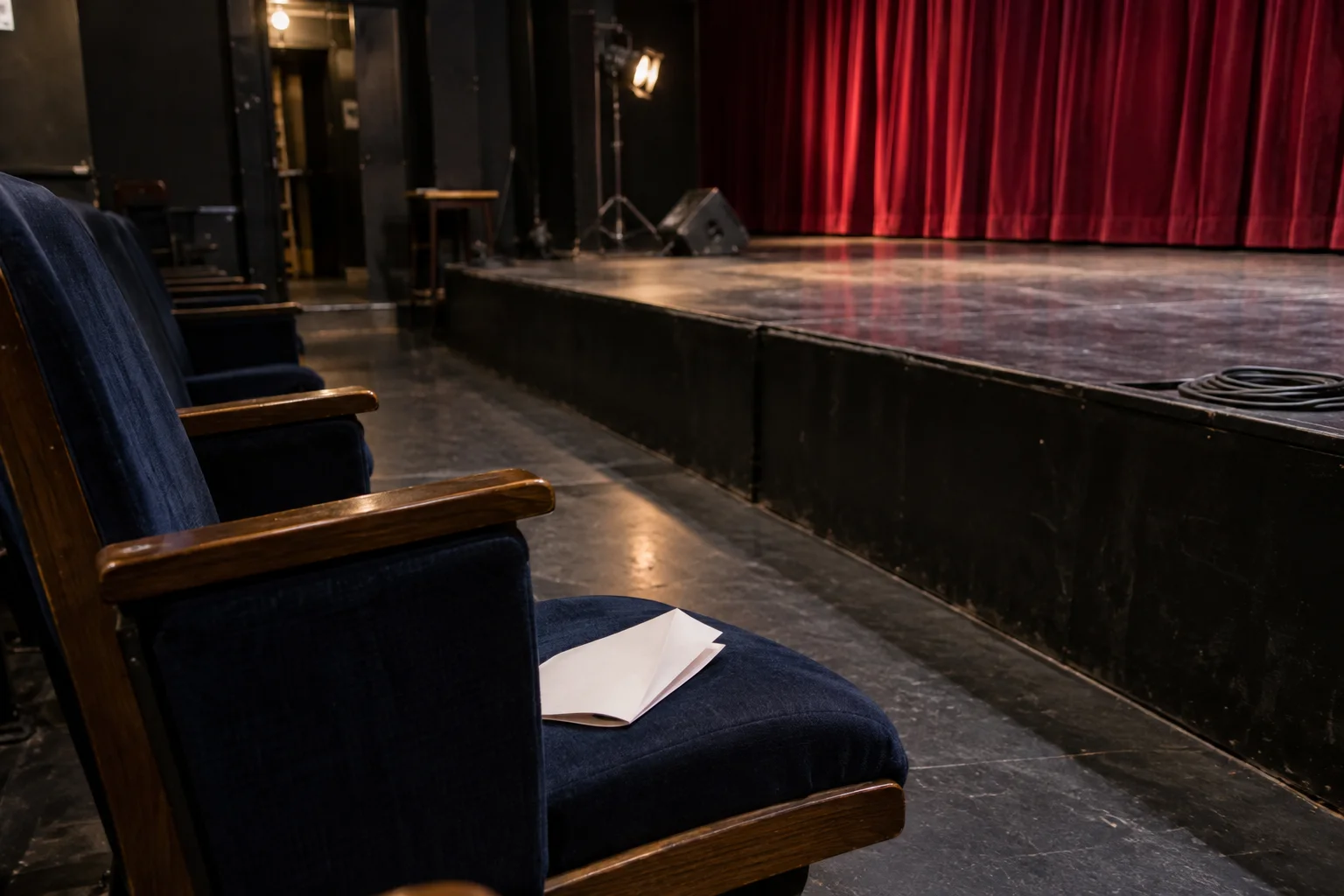
AI-created illustrations of imagined scenes
An imagined story about an ending, not a performance routine
The chair
Someone saves a seat
Before rehearsal, a performer puts a chair in front of the stage and lays a programme on it. You might barely notice. The room is full of chairs.
The interruption
“Leave that one.”
Later, someone starts to put the chair away. The performer stops them. It seems like a small interruption to the work everyone came to do.
The return
The applause goes the other way
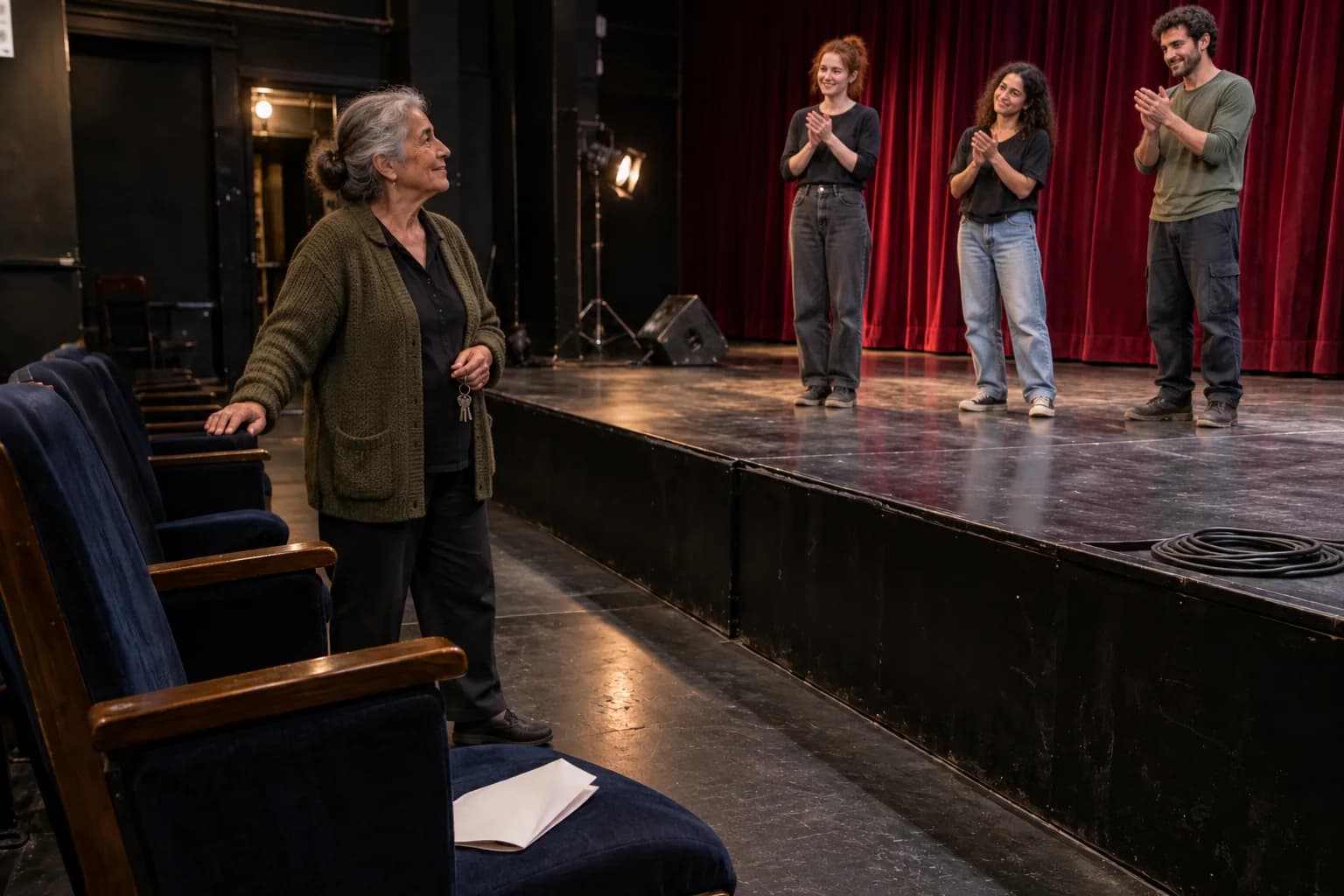
At the end, the theatre’s caretaker comes in to close up. It is her last day. The performers turn toward her and applaud. They have saved the best seat for the person who usually puts the seats away.
Look at the first scene again
What does the programme on the chair mean now?
It was never a spare chair
Nothing about the first scene has changed. But now the programme is an invitation, and the interruption was someone protecting a surprise. A good ending gives an earlier detail a second meaning.
Connection carries that kind of structure into a mentalism show. Guests appear to read one another’s minds. Each encounter has its own payoff, while their separate contributions remain alive. The ending reveals that the room has been building one connected demonstration.
Yonatan Lavy
Be there when the pieces return
Experience Yonatan Lavy’s Connection with your audience: individual thoughts, names and drawings, followed by an ending that changes how the evening fits together.
Plan a theatre experience