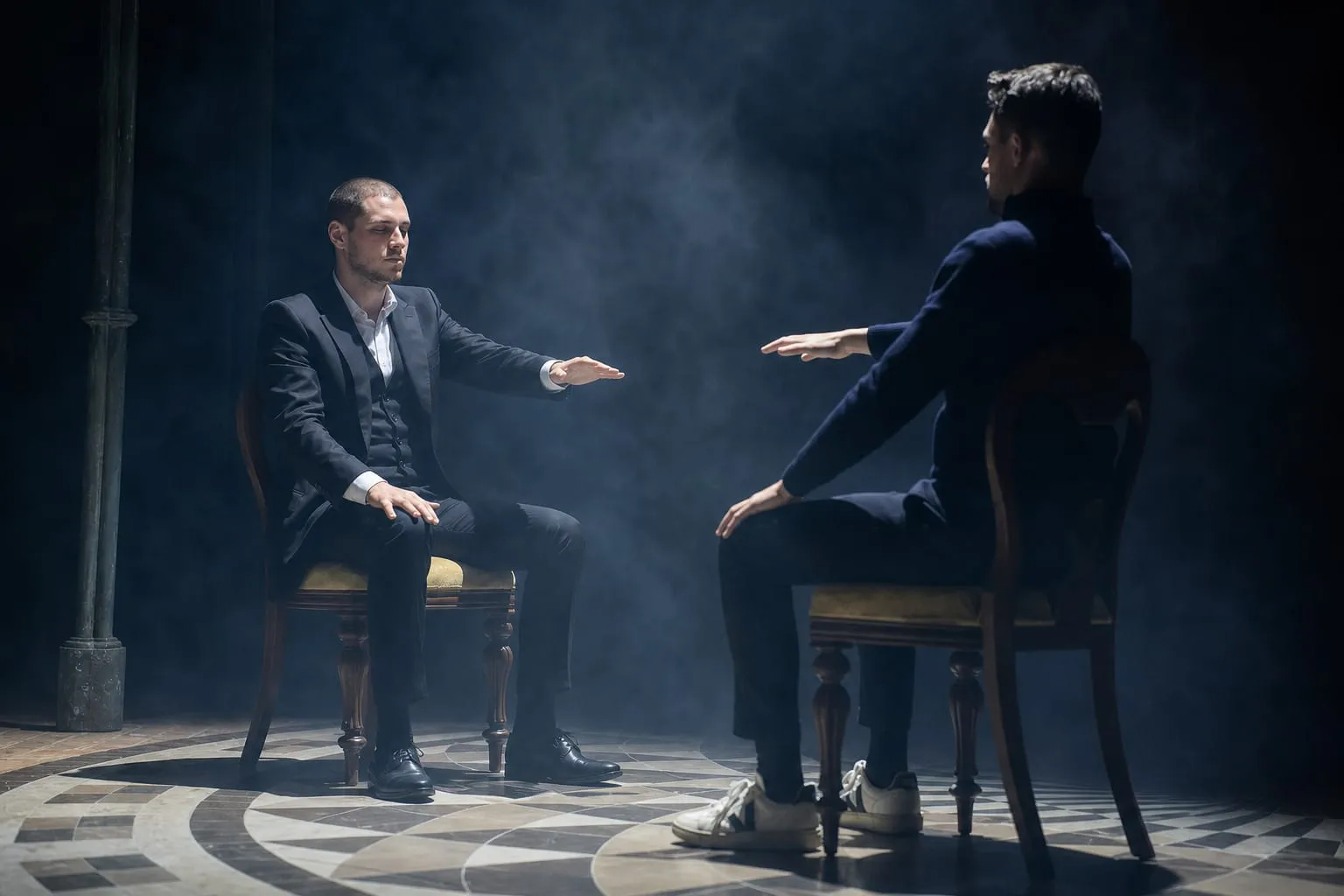
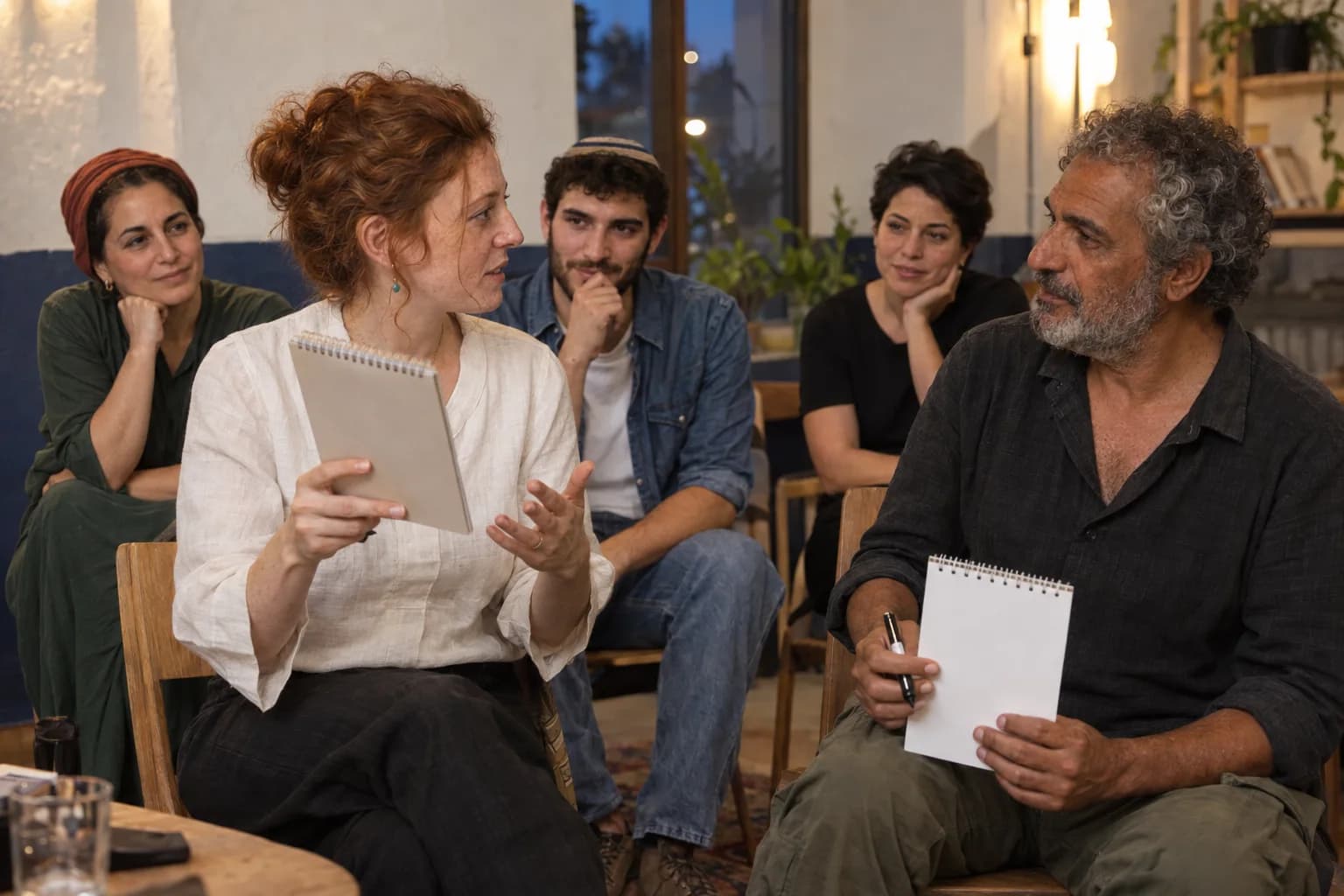
Same moment. Different words
A matching drawing can be recognised across languages. Understanding what was asked before it appeared is another matter. An international audience needs both parts of the moment.
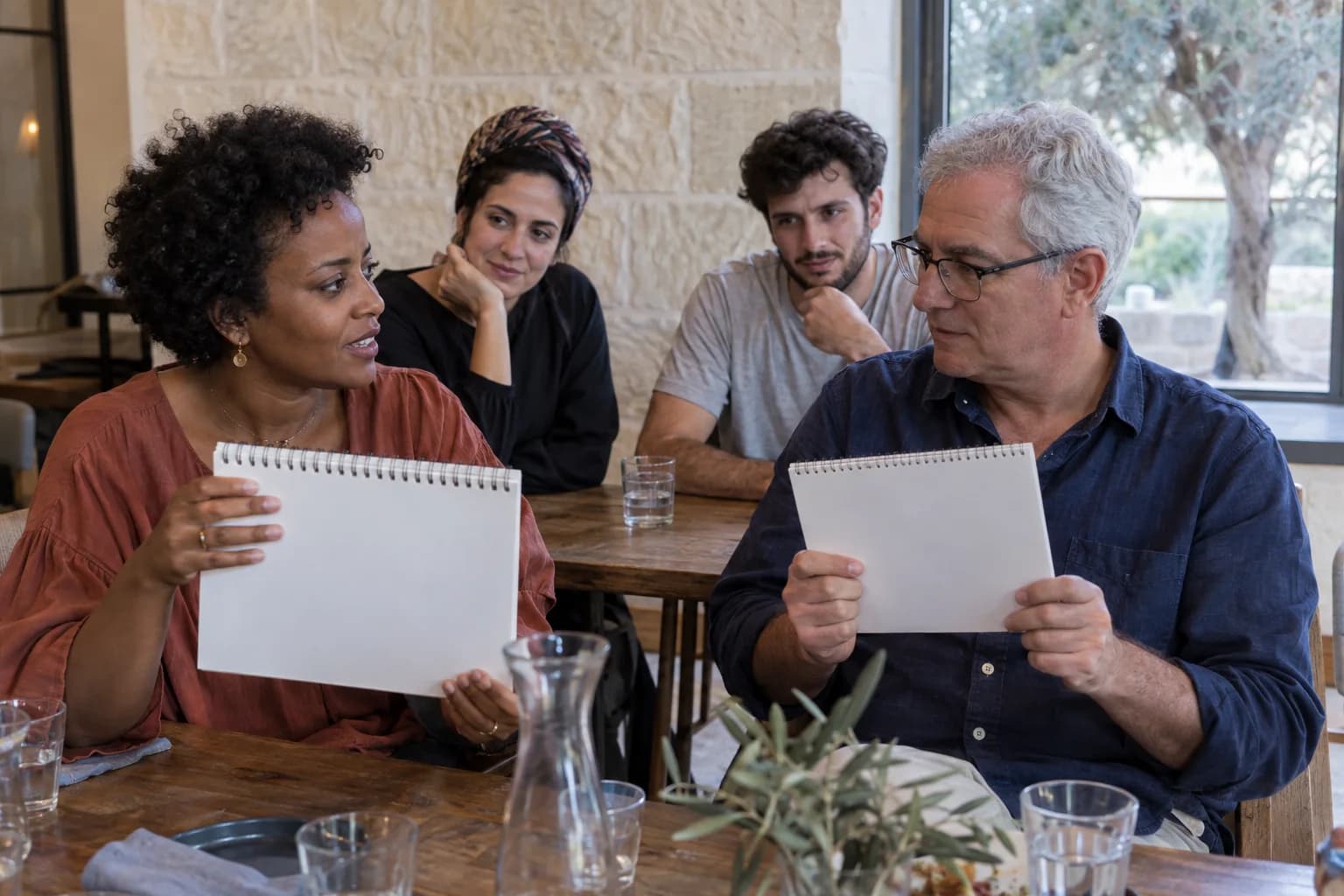
AI-created illustrations of imagined scenes
First, the instruction has to be understood
These two instructions ask for the same thing. A guest needs to understand the task and the request to keep the picture unspoken. The final drawing cannot supply that missing setup.
Think of a simple drawing. Keep it to yourself.
חשבו על ציור פשוט. שמרו אותו לעצמכם.
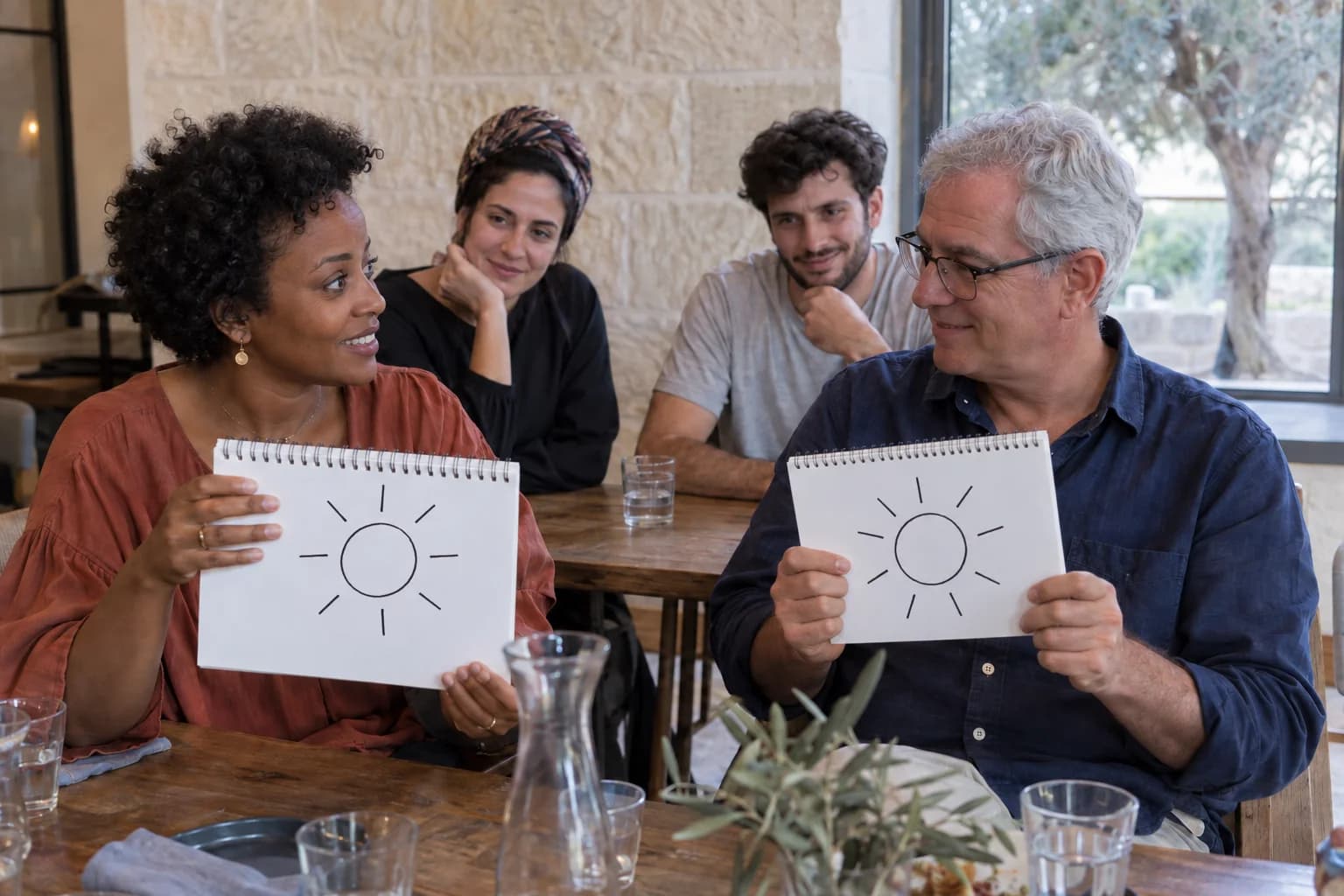
Then the picture can do some of the talking
Two sun drawings turn toward the room. Their resemblance is visible. If you understood whose picture was being discovered, and that it had not been shared, you also understand why the match matters.
- What needs words you understand
- The invitation, the task, and what the guests did or did not share.
- What the room can see together
- The pictures, the people holding them, and their response to the match.
A shared image is part of a shared experience
Clear visual action helps people follow along. It does not replace instructions, interpreting where needed, or time to understand. Agree the language around the actual audience.
Yonatan Lavy
Who will be listening?
Yonatan Lavy performs in English and Hebrew. Describe your audience’s languages so the delivery and participation can be discussed for your event.
Discuss your audience